

ClearBounce for Google Sheets
Verify the email addresses in your spreadsheet without exporting a CSV. Pick a column, click Verify, and the results appear in new columns next to your data.
Verify the email addresses in your spreadsheet without exporting a CSV. Pick a column, click Verify, and the results appear in new columns next to your data.
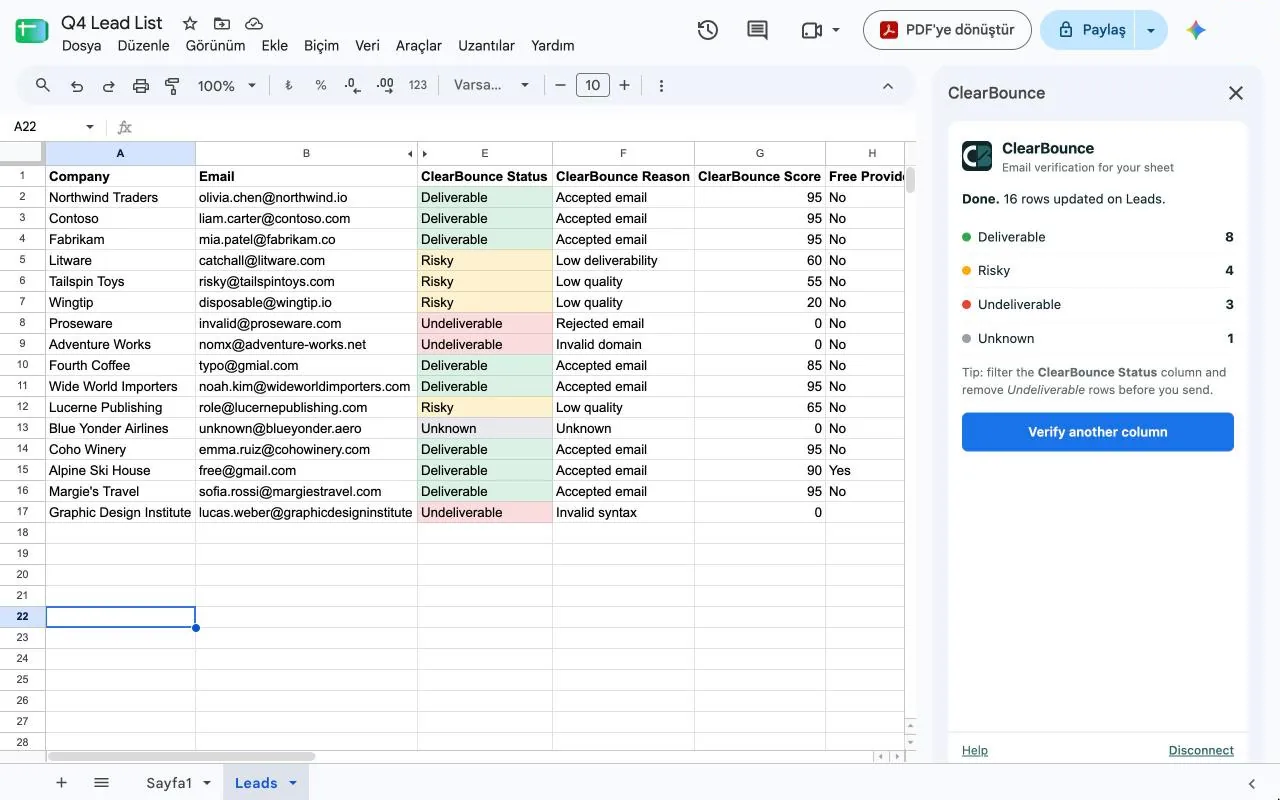
No exports or re-imports. Filter the status column and remove bad addresses right in the sheet.
Verify tens of thousands of rows. Large lists keep running while you work, and you can close the sidebar and come back later.
Duplicates, blank cells and malformed addresses are free. Re-run a sheet after adding rows and only the new ones are checked.
Set up in a minute. No formulas, no scripts.
Install the Add-on
Open the Google Workspace Marketplace listing and click Install.
Open the Sidebar
In any spreadsheet, choose Extensions → ClearBounce Email Verification → Verify emails.
Connect Your API Key
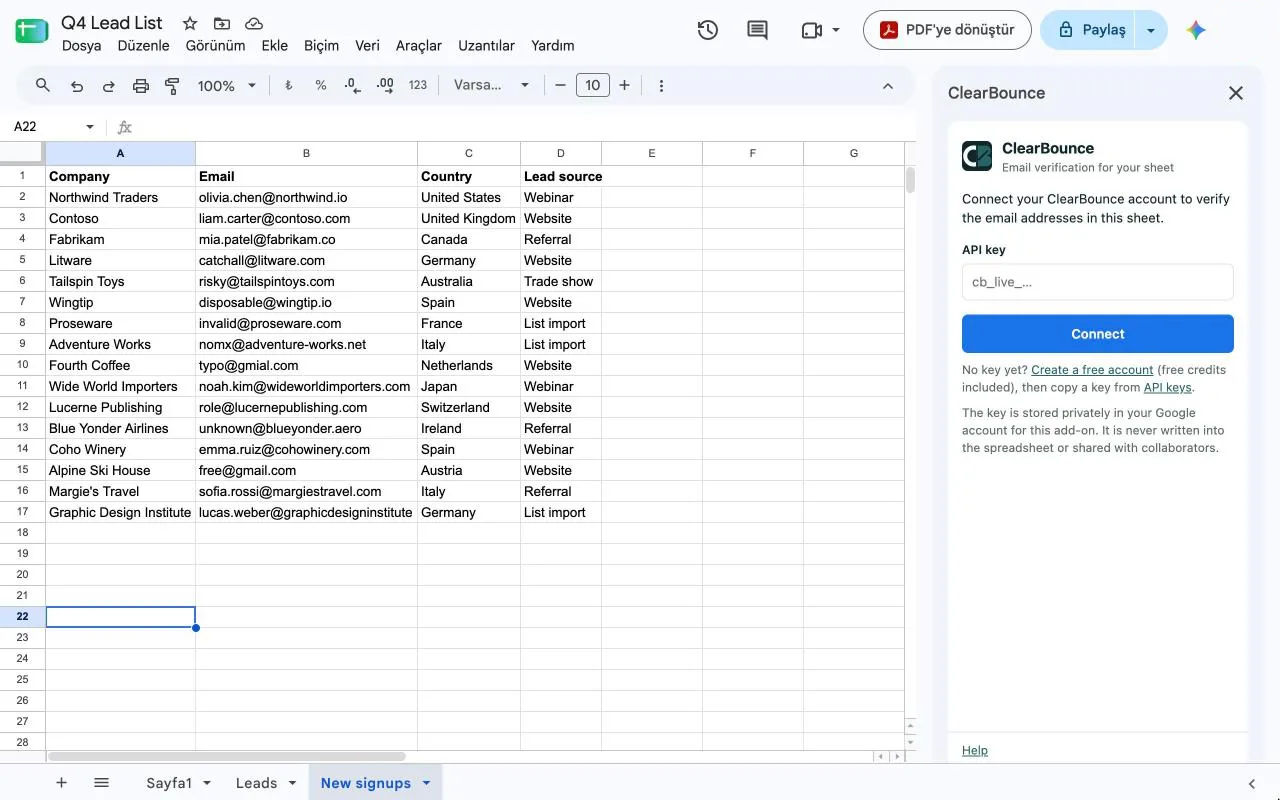
Paste your ClearBounce API key from the dashboard. It is stored privately in your Google account, never in the sheet.
Pick the Column and Verify
The email column is detected automatically. Click Verify and the results are written into new columns.
Each verified row gets these columns. The status column can be color-coded so bad addresses stand out.
Yes. The add-on is free to install and uses your ClearBounce credits. New accounts get 100 free credits, and pay-as-you-go pricing starts at $4 per 1,000 emails. View pricing →
Tens of thousands. Big lists run in the background, so you can keep working or close the sidebar and reopen it later to collect the results.
Not if you keep “Skip rows that already have a ClearBounce result” on. Add new rows to your sheet, run it again, and only the new addresses use credits.
Only the spreadsheet you open it in. It reads the column you choose and sends just those email addresses to ClearBounce over HTTPS. See our privacy policy.
Step-by-step instructions are in the documentation.
Install the add-on for free and get 100 verification credits when you sign up. No credit card required.


