
ClearBounce Chrome Extension
Verify email addresses instantly from any web page without leaving your browser. Scan entire pages, verify individual emails, view your history, and export results — all from a lightweight popup.
Verify email addresses instantly from any web page without leaving your browser. Scan entire pages, verify individual emails, view your history, and export results — all from a lightweight popup.
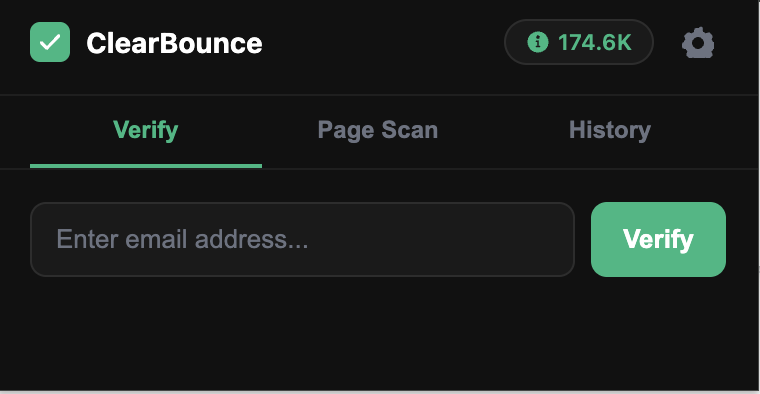
Type or paste any email address and get a real-time deliverability result in seconds. No need to switch tabs or open the dashboard.
Scan any web page to automatically find and verify every email address on it. Perfect for contact pages, directories, and lead lists.
Export your page scan and verification results as a CSV file. Import verified emails into your CRM, ESP, or outreach tool in one click.
Get started in under a minute. No technical setup required.
Install the Extension
Visit the Chrome Web Store and click Add to Chrome. The extension installs in seconds.
Connect Your API Key
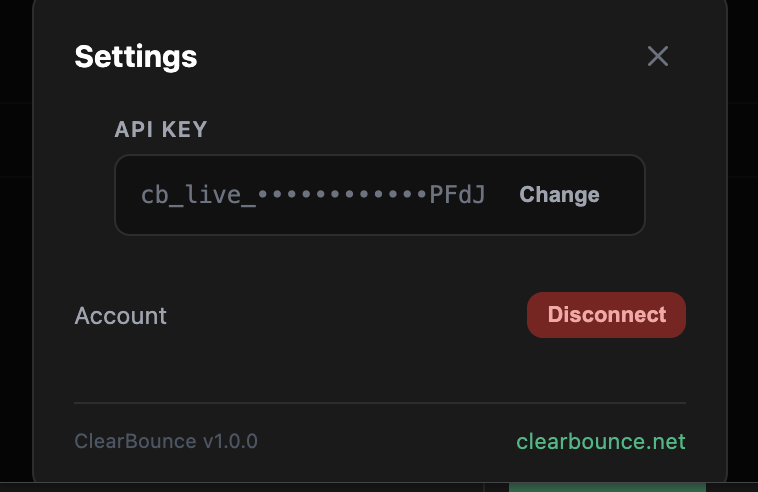
Open the extension, go to Settings, and paste your ClearBounce API key. You can find it in your dashboard.
Verify Emails
Use the Verify tab to check individual emails, or switch to Page Scan to find and verify every email on the current page.
Review & Export
Check your History tab for past results, and use Export CSV to download verified data for use in any platform.
Everything you need to verify emails from your browser, packed into a clean popup.
Enter any email address and instantly see whether it's deliverable, undeliverable, risky, or unknown. Results include the full verification status with color-coded indicators.
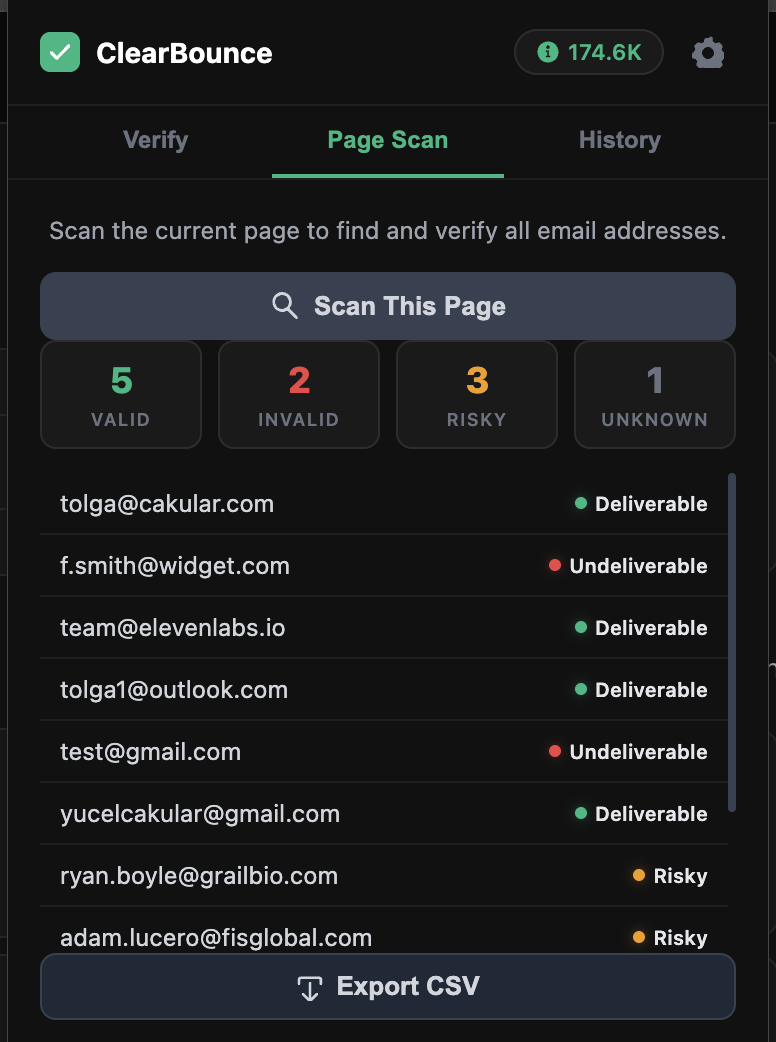
Click Scan This Page to automatically detect and verify every email address on the current web page. See summary stats (Valid, Invalid, Risky, Unknown) and a detailed list with color-coded results.
Every verification you run is saved locally. Browse your history to re-check past results. Connect your API key in Settings to start verifying — your credit balance is always visible in the header.
Whether you're doing outreach, building lists, or qualifying leads, the extension saves you time.
Verify prospect emails before adding them to your CRM or outreach sequence. Avoid bounces that hurt your sending domain and waste credits on other tools.
Quickly verify emails you find on partner sites, event pages, or directories. Build clean lists from the start instead of cleaning up after bounces.
Scan LinkedIn pages, job boards, and company directories. Verify candidate emails right where you find them and export clean contact lists.
Validate emails while you research. Page Scan lets you verify every email on a contact page in one click, then export the results as CSV for your team.
Yes, the extension itself is completely free to install. It uses your ClearBounce API credits for verifications. New accounts get 100 free credits to get started.
Sign up for a free ClearBounce account, then go to your API dashboard to generate a key. Paste it into the extension's Settings panel.
Page Scan detects email addresses in the visible text and HTML of any web page. It works on contact pages, directories, search results, and most standard websites.
ClearBounce uses pay-as-you-go pricing starting at $4 per 1,000 emails. Each email verified through the extension uses one credit. View pricing →
Yes. The extension communicates directly with the ClearBounce API over HTTPS. Verification history is stored locally in your browser — it never leaves your device unless you export it yourself.
The extension is built for Google Chrome. It also works on Chromium-based browsers like Microsoft Edge, Brave, and Arc.
Install the ClearBounce Chrome extension for free. No credit card required — get 100 free verification credits when you sign up.


