Why Your Emails Are Bouncing (And How to Fix It for Good)


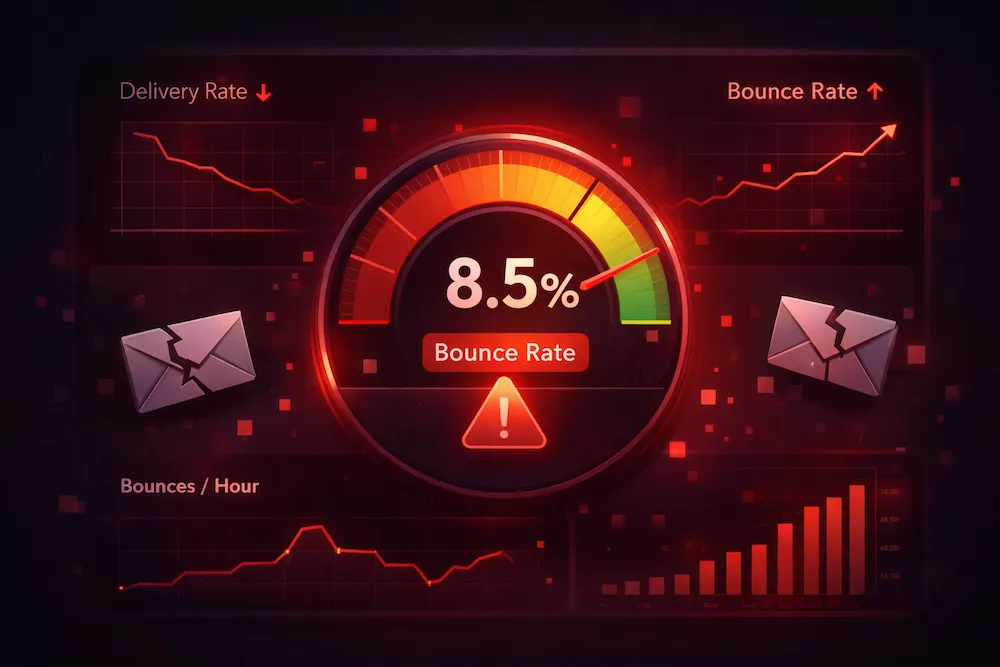
You just sent a campaign and 8% of your emails bounced. Your ESP is firing off warning emails. Your deliverability score is dropping by the hour. Maybe you're staring at a Mailchimp or Klaviyo dashboard right now, wondering what went wrong. Sound familiar?
You're not alone. Email bounces are one of the most common -- and most misunderstood -- problems in email marketing. The good news: bounces are fixable. The bad news: if you don't fix them fast, the damage compounds quickly.
Let's walk through exactly why your emails are bouncing, what it's costing you, and the three steps to fix it for good.
What Email Bounces Actually Cost You
Before we get into the "why," let's talk about the "so what" -- because bounces are not just a vanity metric. They trigger a chain of consequences that hits your bottom line.
- ESP warnings and account suspension. Most email service providers start flagging your account when your bounce rate crosses 2-3%. Go above 5%, and you could be suspended entirely. That means your entire email program goes dark -- not just the bounced addresses.
- Sender reputation damage. Gmail, Outlook, and Yahoo assign a reputation score to your sending domain and IP. High bounce rates tell them you're not maintaining your list. Once your reputation drops, it takes weeks or even months to recover.
- Good emails landing in spam. Here's the part most people miss: when your sender reputation tanks, it doesn't just affect the bounced addresses. Your emails to perfectly valid, engaged subscribers start hitting spam folders too.
- Lost revenue from invisible campaigns. If 15% of your emails are going to spam because of reputation damage, you're losing 15% of your potential revenue on every single send.
A 5% bounce rate on a 50,000-person list means 2,500 wasted sends -- and a reputation hit that affects the other 47,500.
Here's what to do: Check your bounce rate in your ESP dashboard right now. If it's above 2%, you have a problem that needs immediate attention. If it's above 5%, stop sending until you clean your list.
The 5 Most Common Reasons Emails Bounce
Not all bounces are created equal. Understanding why your emails are bouncing helps you fix the right problem. Here are the five most common causes:
1. The mailbox doesn't exist anymore
This is the most common reason by far. People change jobs and their corporate email gets deactivated. They abandon old Gmail or Yahoo accounts. They signed up with a work address two years ago and have since moved on. Your list is decaying at roughly 2% per month, whether you notice or not. On a 50,000-person list, that's 1,000 addresses going dead every single month.
Here's what to do: Run your list through ClearBounce to identify which mailboxes no longer exist. With 99%+ verification accuracy -- including deep checks for tricky providers like iCloud and ProtonMail -- you'll know exactly which addresses to remove before your next send.
2. The domain is dead
The company shut down. The domain expired. The small business your contact worked at no longer exists. Every email address on that domain became invalid overnight, and your ESP is still trying to deliver to it.
Here's what to do: Domain-level failures are easy to catch with verification. ClearBounce checks DNS records and MX records to flag entire dead domains in seconds.
3. The inbox is full
This one is technically a "soft bounce" -- the address exists, but the mailbox can't accept new messages. It might resolve on its own. But if someone's inbox has been full for months, it's a dead address in practice.
Here's what to do: Monitor soft bounces across multiple campaigns. If an address soft bounces three or more times, remove it.
4. The receiving server blocked you
Your sending reputation triggered the receiving server's spam filters. This happens when you've been sending to too many bad addresses, or when your domain or IP has landed on a blocklist. The server is essentially saying, "We don't trust you."
Here's what to do: This is a reputation issue, not just a list issue. Clean your list first with ClearBounce, then use a tool like ClearBounce Deliverability Kit to check your blocklist status and monitor inbox placement as you rebuild trust.
5. You hit a spam trap
This is the most dangerous one. Spam traps are email addresses operated by ISPs and anti-spam organizations specifically to catch senders with poor list hygiene. There are two types: pristine traps (addresses that never belonged to a real person) and recycled traps (abandoned addresses repurposed as traps). Hitting even one can land your entire domain on a blocklist.
Here's what to do: You can't identify spam traps by looking at your list. The only defense is proactive verification and regular list cleaning. ClearBounce detects patterns associated with spam traps -- disposable domains, inactive mailboxes, and suspicious addresses -- and flags them before they damage your reputation.
Hard Bounce vs. Soft Bounce: Why It Matters
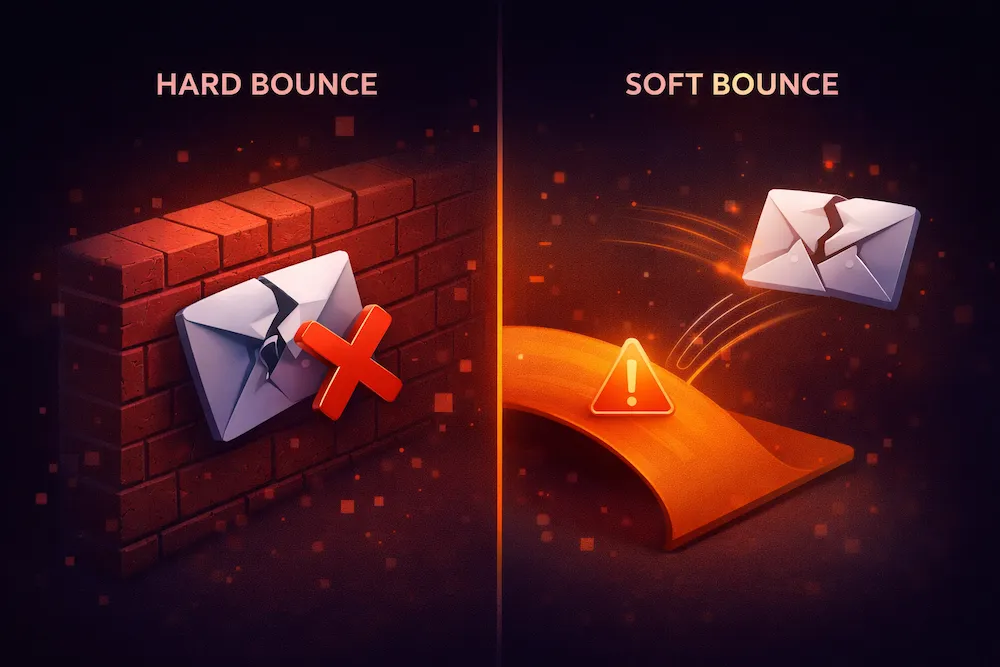
Your ESP reports bounces in two categories, and you need to handle them differently:
Hard Bounces
- Permanent delivery failure
- Mailbox doesn't exist
- Domain is dead
- Address was blocked
- Action: Remove immediately
Soft Bounces
- Temporary delivery failure
- Inbox full
- Server temporarily down
- Message too large
- Action: Monitor; remove after 3 fails
The critical mistake most marketers make: ignoring hard bounces or letting their ESP "handle it." Most ESPs will suppress hard bounces from future sends, but the damage to your sender reputation from that first send is already done. The goal is to catch invalid addresses before you send, not after.
Here's what to do: Don't wait for bounces to tell you which addresses are bad. Verify your list proactively with ClearBounce and remove invalid addresses before they ever see a campaign.
How to Fix It (3 Steps)
Enough about the problem. Here's the fix -- and it's simpler than you think.
Step 1: Verify your list right now
Upload your entire email list to ClearBounce and you'll know within minutes which addresses are safe to send to and which ones are going to bounce. ClearBounce checks every address through multi-layer verification: syntax, domain, MX records, and direct mailbox verification -- including deep checks for notoriously tricky providers like iCloud, ProtonMail, and catch-all domains.
At $0.004 per email (and as low as $0.001 on larger plans), verifying 10,000 addresses costs about $30. That's cheaper than a single bounced campaign's damage to your sender reputation.
Here's what to do: Sign up for ClearBounce (you get 100 free verification credits, no credit card required), upload your list, and run a verification. You'll have results in minutes.
Step 2: Remove and segment
Once your verification is complete, ClearBounce categorizes every address:
- Valid -- Safe to send. These are confirmed, deliverable addresses.
- Invalid -- Remove immediately. These will hard bounce.
- Risky / Catch-all -- Move to a separate segment. Send cautiously or verify again before your next campaign.
- Disposable -- Temporary email addresses. Remove them.
- Unknown -- The server didn't give a definitive answer.
Here's where ClearBounce stands out: our verification engine returns up to 40% fewer "unknown" results compared to other verification tools. That means more of your list gets a clear valid or invalid verdict, and you waste less data.
Here's what to do: Download your results, remove all invalids and disposables from your ESP, and create a separate segment for risky addresses that you can test carefully.
Step 3: Prevent future bounces
Cleaning your list once is good. Making sure bad addresses never get on your list in the first place is better. That's where real-time verification comes in.
The ClearBounce API verifies email addresses the moment someone types them into your signup form, checkout page, or lead magnet. If the address is invalid, you can show an error message before it ever enters your database. No more "gmial.com" typos. No more fake addresses from bots. No more dead mailboxes slipping through.
You can also set up ClearBounce Shield -- automated, scheduled list cleaning that runs in the background so your list never goes stale.
Here's what to do: Add ClearBounce API verification to every email input on your site (signup forms, checkout, contact forms). Then set a quarterly cleaning schedule for your existing list.
How to Keep Your Bounce Rate Under 2%
Google and Yahoo's 2024 sender requirements made list hygiene a hard requirement, not just a best practice. Senders with high bounce rates will see their emails rejected outright. Here's the playbook to stay compliant and keep your bounce rate well under the danger zone:
- Verify before every major campaign. Product launch, seasonal sale, re-engagement blast -- always verify first. It takes minutes and costs pennies.
- Clean your full list quarterly. Even if you're adding new subscribers through verified forms, older addresses decay over time. A quarterly bulk verification catches the ones that have gone stale.
- Use real-time API verification on all forms. Stop bad addresses at the door. The ClearBounce API responds in milliseconds, so your users won't even notice.
- Monitor your ESP dashboard. Watch your bounce rate, spam complaint rate, and open rates. If bounce rate creeps above 1%, it's time for another cleaning pass.
- Remove unengaged subscribers. If someone hasn't opened or clicked in 6+ months and you've tried a re-engagement campaign, let them go. Unengaged addresses are future bounces waiting to happen.
Here's what to do: Set a calendar reminder for quarterly list cleaning. Add it to your pre-campaign checklist. Make verification a habit, not an afterthought.
Stop guessing. Verify your list for free.
Upload your list to ClearBounce and know exactly which addresses are safe to send to. 99%+ accuracy. 40% fewer unknowns. Deep verification for iCloud, ProtonMail, and catch-all domains.
100 free credits. No credit card required.
Start Verifying for Free