Email Sender Reputation: How to Check It, Protect It, and Fix It

You craft the perfect email. Compelling subject line, valuable content, clear call to action. You hit send. And nothing happens. Open rates are flat. Clicks are dead. Your emails are landing in spam -- or worse, getting silently rejected before they ever reach the inbox.
The culprit isn't your content. It's your sender reputation -- the invisible score that mailbox providers use to decide whether your emails deserve the inbox or the junk folder. It's the single most important factor in email deliverability, and most senders don't even know theirs.
What Is Sender Reputation?
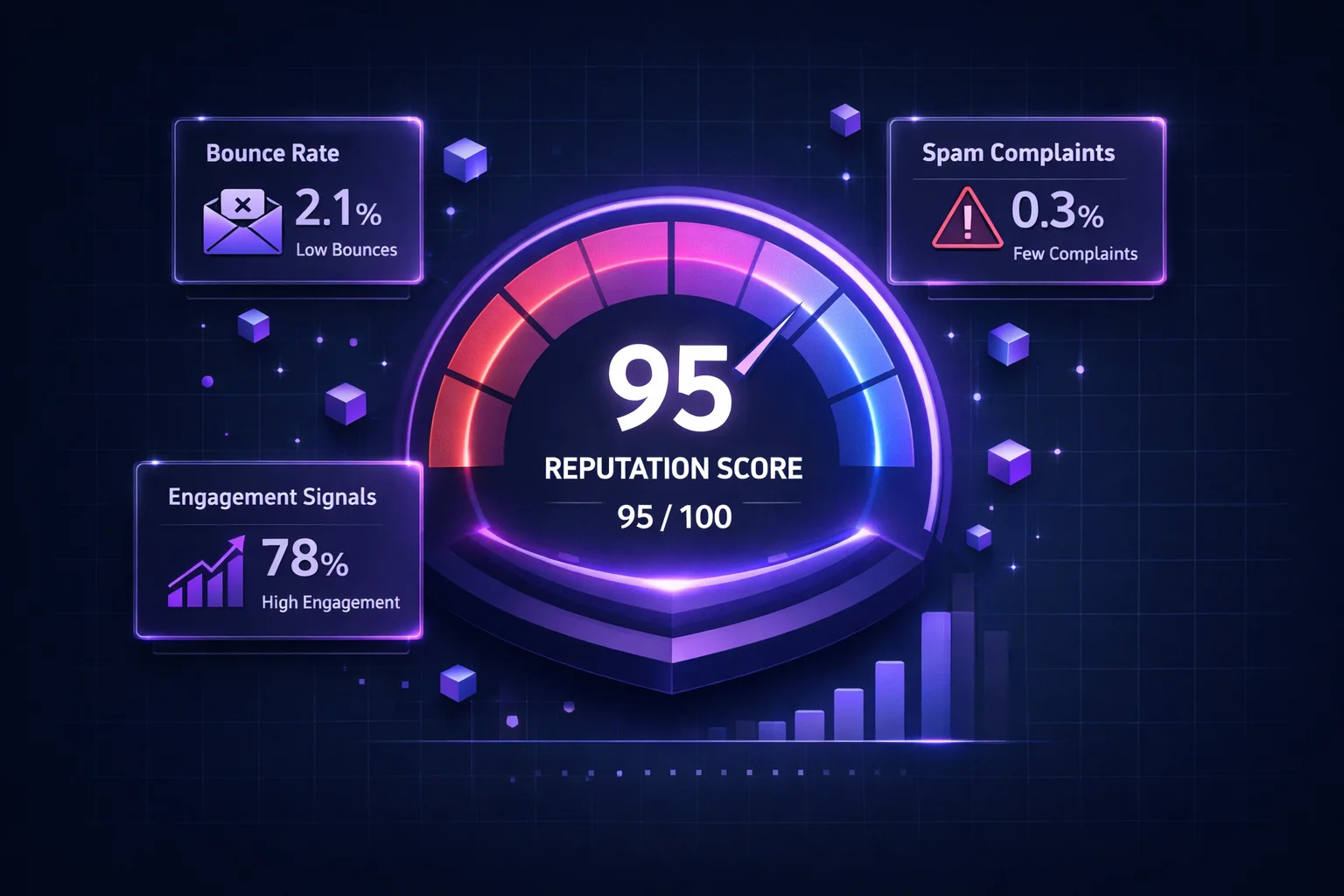
Sender reputation is a score that mailbox providers like Gmail, Outlook, and Yahoo assign to your sending IP address and domain. It's based on your email sending history and behavior -- how many emails you send, how recipients react to them, and whether you follow email best practices.
Think of it as a credit score for email. Good behavior (low bounces, high engagement, proper authentication) builds your reputation over time. Bad behavior (high bounces, spam complaints, spam trap hits) destroys it -- sometimes in a single campaign.
Every mailbox provider calculates reputation independently. You might have an excellent reputation with Gmail but a poor one with Outlook. That's why your emails might reach Gmail inboxes perfectly while disappearing into Outlook's spam folder.
Why Sender Reputation Matters
Here's what happens at each reputation level:
High Reputation
95%+ InboxEmails land in the primary inbox. High open rates, full deliverability. You've earned the trust of mailbox providers through consistent, clean sending.
Medium Reputation
70-90% InboxSome emails go to spam. Promotions tab placement increases. You're on thin ice -- one bad campaign could push you into low territory.
Low / Bad Reputation
<50% InboxMost emails go to spam or are rejected outright. Engagement collapses. Revenue from email drops dramatically. Recovery takes weeks of disciplined sending.
IP Reputation vs. Domain Reputation
There are actually two types of sender reputation, and you need to manage both:
| IP Reputation | Domain Reputation | |
|---|---|---|
| What it tracks | Sending behavior from your IP address | Sending behavior from your domain (e.g., yourbrand.com) |
| Shared vs. Dedicated | Can be shared with other senders (ESP shared IPs) | Always tied to your domain alone |
| Who controls it | You (dedicated IP) or your ESP (shared IP) | Always you |
| Which matters more? | Important for Outlook, Yahoo | Gmail weighs domain reputation most heavily |
| Can you change it? | Yes -- switch IP or warm up a new one | No -- your domain follows you everywhere |
In the past, senders could "reset" a bad reputation by switching to a new IP address. That doesn't work anymore. Gmail now primarily uses domain reputation, which means your domain's sending history follows you regardless of which IP you send from. This is why maintaining clean sending practices is more important than ever.
The 6 Factors That Affect Your Sender Reputation
Mailbox providers won't share their exact algorithms, but these are the known factors ranked by impact:
Sending to invalid addresses tells ISPs you don't maintain your list. Keep hard bounces under 2%. Above 5% triggers immediate throttling.
When recipients click "Report Spam," it goes directly to the ISP. Keep complaints under 0.1% (1 per 1,000 emails). Gmail's threshold is 0.3% -- exceed that and you're in trouble.
Hitting a spam trap signals bad list practices. Even one pristine trap can cause blacklisting. Regular list cleaning is the primary defense.
Sudden volume spikes look like spam. If you normally send 5,000/day and jump to 50,000, ISPs will throttle you. Scale gradually and maintain consistent patterns.
Opens, clicks, replies, and moving emails out of spam all boost reputation. Low engagement tells ISPs that recipients don't want your emails.
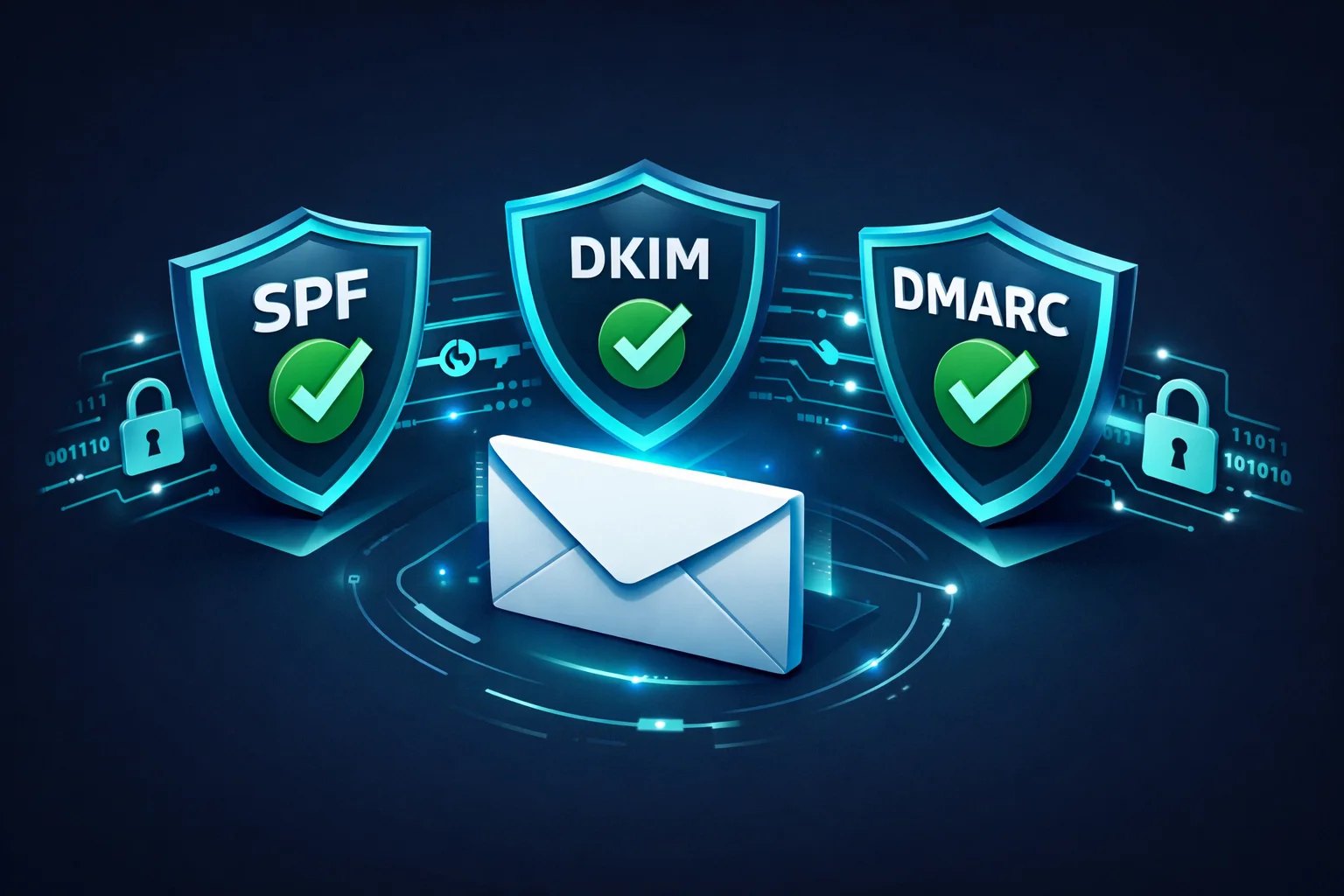
Missing SPF, DKIM, or DMARC records make you look untrustworthy. Authentication is table stakes in 2026 -- without it, many providers won't even accept your email.
How to Check Your Sender Reputation
You can't fix what you can't measure. Here are the best tools to monitor your reputation:
Google Postmaster Tools (Free)
The gold standard for Gmail reputation. After verifying your domain, you'll see your domain reputation rated as High, Medium, Low, or Bad. You'll also see spam rate, authentication success rate, and encryption metrics. If you send any meaningful volume to Gmail addresses, this is mandatory.
Microsoft SNDS (Free)
Smart Network Data Services shows your IP reputation with Outlook/Hotmail. It displays data on message volume, complaint rates, and trap hits for each IP. Less detailed than Google Postmaster but essential for Outlook deliverability.
SenderScore by Validity (Free)
Provides a 0-100 score for your sending IP based on 30 days of data. Scores above 80 are considered good. Below 70 means you have work to do. It's a useful snapshot, though it's IP-based only and doesn't cover domain reputation.
Blacklist Monitoring
Being listed on a blocklist like Spamhaus or Barracuda is a clear sign of reputation damage. Use tools like MXToolbox or ClearBounce's Deliverability Kit to monitor your listings and get alerts when you're added to a blacklist.
83%
of emails that don't reach the inbox fail due to poor sender reputation
0.1%
maximum spam complaint rate recommended by Gmail
2-6 wk
typical time to recover from reputation damage
8 Ways to Improve Your Sender Reputation
1. Verify your email list before every campaign
The fastest way to destroy reputation is to send to a list full of invalid addresses. Email verification removes hard bounces, disposable addresses, and risky emails before they cause damage. If your list hasn't been cleaned in the last 30 days, clean it before your next send.
2. Set up SPF, DKIM, and DMARC
These three authentication protocols prove that you are who you say you are. SPF tells receivers which servers can send on behalf of your domain. DKIM adds a cryptographic signature to every email. DMARC tells receivers what to do when authentication fails. In 2026, Gmail and Yahoo require all three for bulk senders.
3. Keep spam complaints below 0.1%
Every spam complaint is a vote against you. To minimize complaints: only email people who explicitly opted in, include a visible unsubscribe link in every email, honor unsubscribe requests immediately, and never use misleading subject lines. If complaints spike after a campaign, pause and investigate before sending again.
4. Remove inactive subscribers
Subscribers who haven't opened your emails in 6+ months are dragging down your engagement metrics -- and some of those addresses may have already been converted into spam traps. Run a re-engagement campaign, and remove anyone who doesn't respond.
5. Warm up new IPs and domains gradually
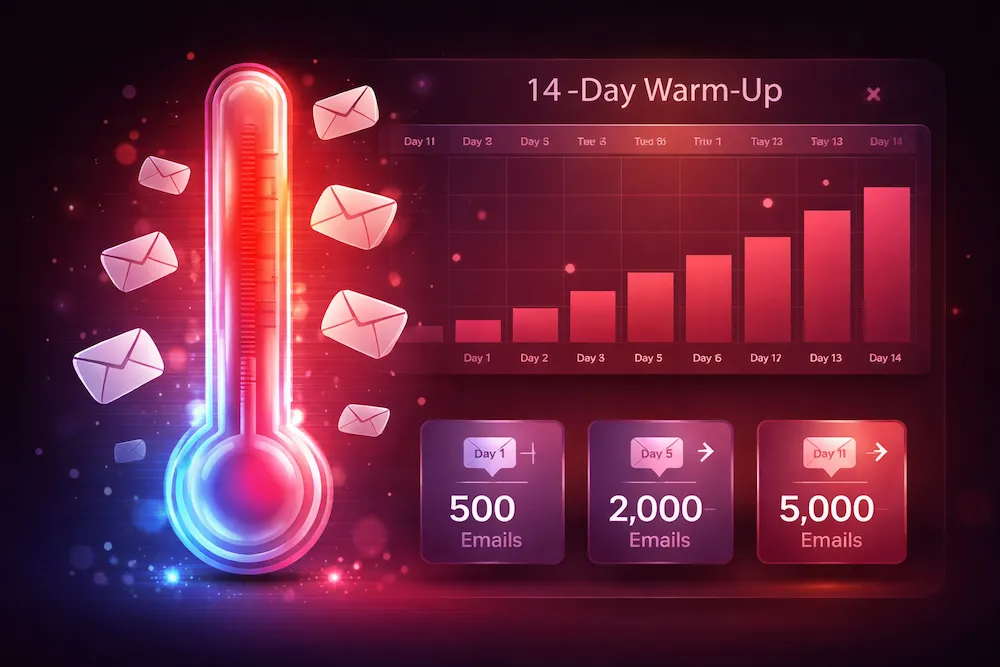
New IPs and domains have no reputation -- which ISPs treat as suspicious. Start by sending a small volume (100-500/day) to your most engaged subscribers. Gradually increase over 2-4 weeks. This builds a positive sending history before you hit full volume.
6. Maintain consistent sending patterns
ISPs profile your normal sending behavior. Dramatic changes -- a sudden 10x volume spike, sending at unusual hours, switching content types -- trigger scrutiny. Keep your sending volume, frequency, and schedule relatively consistent. Plan increases gradually.
7. Monitor and process bounces immediately
Hard bounces (invalid addresses) should be removed from your list immediately after every send. Don't let them accumulate. Most ESPs handle this automatically, but verify that bounce processing is actually working. A 5%+ bounce rate on any single campaign is an emergency.
8. Segment your list by engagement
Send your most important campaigns to your most engaged subscribers first. If that segment performs well (high opens, low complaints), gradually expand to less active segments. This ensures your best-performing recipients shape your reputation before less certain ones do.
How to Repair Damaged Reputation
If your reputation is already damaged, here's the recovery playbook:
- Stop sending immediately -- or reduce to only your most engaged segment. Continuing to blast a full list with bad reputation just digs the hole deeper.
- Identify the root cause. Check Google Postmaster for complaint rates. Check blacklists. Run your list through email verification to find how many invalid addresses are on it.
- Clean your list aggressively. Remove all bounced addresses, unsubscribes, complaints, and anyone inactive for 6+ months. This might cut your list by 30-50% -- that's OK. A smaller, clean list is infinitely better than a large, toxic one.
- Fix authentication issues. Ensure SPF, DKIM, and DMARC are all properly configured and passing. Use Google Postmaster to verify.
- Request blacklist removal from any lists you're on. Each has its own delisting process, but all require you to demonstrate that you've fixed the underlying problem.
- Rebuild gradually. Send small volumes to your most engaged subscribers only. Focus on generating opens, clicks, and replies. As your metrics improve over 2-4 weeks, gradually expand your sending.
Reputation is slow to build and fast to destroy. A single campaign to a dirty list can undo months of good behavior. The smartest investment you can make is preventing damage in the first place.
Sender Reputation Checklist
Here's a quick checklist to keep your reputation healthy:
| Action | Frequency | Impact |
|---|---|---|
| Verify your email list | Before every major campaign | Prevents bounces + traps |
| Check Google Postmaster Tools | Weekly | Catches problems early |
| Monitor blacklists | Daily (automated) | Alerts you to listings |
| Process bounces | After every send | Keeps list clean |
| Remove inactive subscribers | Quarterly | Improves engagement |
| Audit authentication (SPF/DKIM/DMARC) | After any DNS change | Ensures trust |
| Review complaint rates | After every campaign | Spots content issues |
The Bottom Line
Your sender reputation is the gatekeeper between your email and your audience's inbox. It doesn't matter how good your content is, how clever your subject line is, or how perfect your timing is -- if your reputation is poor, your emails aren't getting through.
The good news? Reputation is entirely within your control. Verify your list, authenticate your domain, respect your subscribers, and send consistently. Do these things and you'll maintain the high reputation that earns inbox placement.
The senders who struggle with reputation are almost always making one of two mistakes: sending to people who didn't ask for their email, or sending to a list they haven't cleaned. Fix those two things and you fix 90% of reputation problems.
Protect your sender reputation.
ClearBounce removes invalid, risky, and suspicious email addresses from your list before they trigger bounces, complaints, and reputation damage. Keep your list clean, keep your reputation high.
100 free credits. No credit card required.
Verify Your List Free