Email Blacklists: How to Check If You're Listed and Get Delisted Fast

Your emails are landing in spam. Open rates have tanked. Replies have dried up. You check your sending domain and discover it's on a blacklist. Now what?
Email blacklists are one of the fastest ways to kill your deliverability -- and one of the most confusing to deal with. There are hundreds of them, most are obscure, and only a handful actually matter. This guide covers what you need to know: which blacklists to worry about, how to check your status, and exactly how to get removed.
What Is an Email Blacklist?
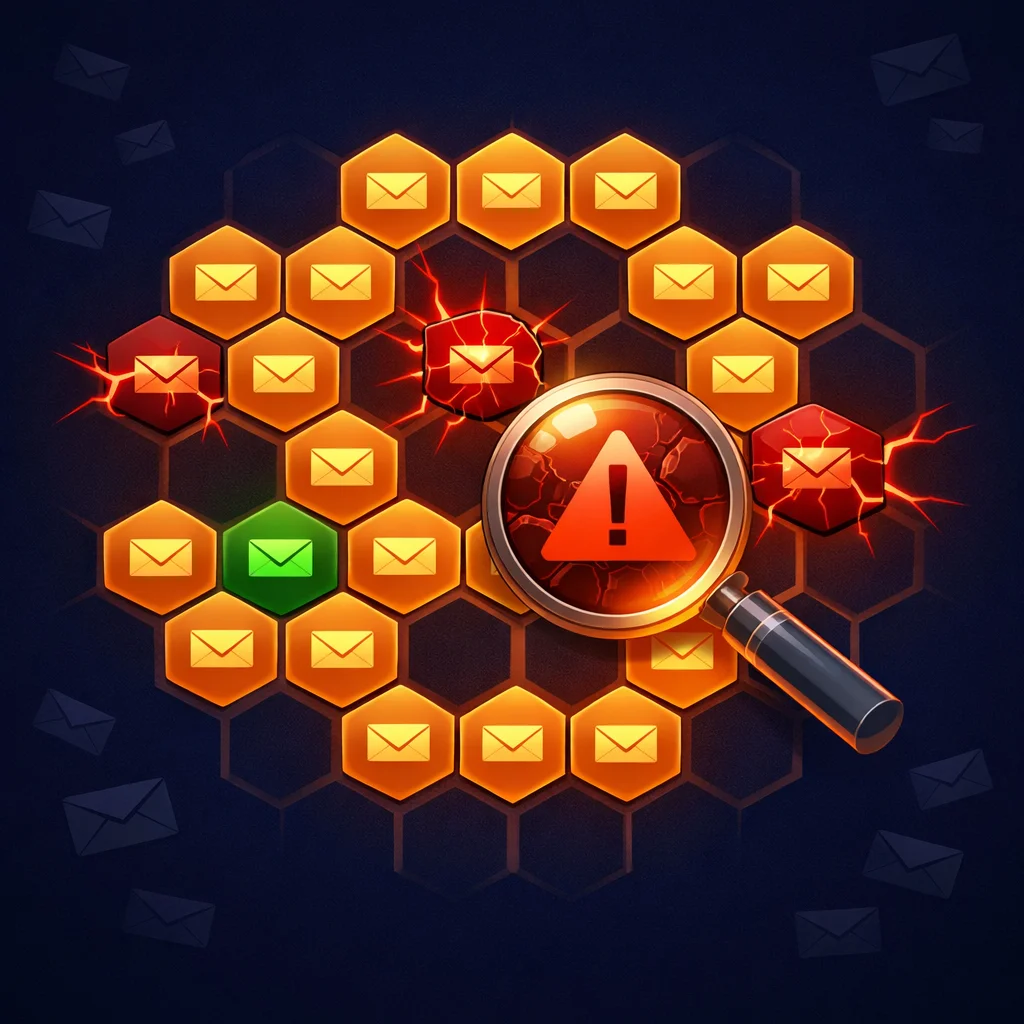
An email blacklist (also called a blocklist or DNSBL) is a real-time database of IP addresses and domains that have been flagged for sending spam or unwanted email. Think of it as a "do not trust" list that mail servers check before accepting your emails.
When you hit "send," the receiving mail server (Gmail, Outlook, Yahoo, etc.) looks up your sending IP and domain against one or more blacklists. If you're on the list, your email gets rejected outright or routed to the spam folder.
There are over 300 known email blacklists. Most are irrelevant. Only about a dozen are actively used by major mailbox providers. Understanding which ones matter -- and which ones don't -- saves you a lot of unnecessary panic.
How You End Up on a Blacklist
Getting blacklisted isn't random. It's almost always caused by one or more of these:
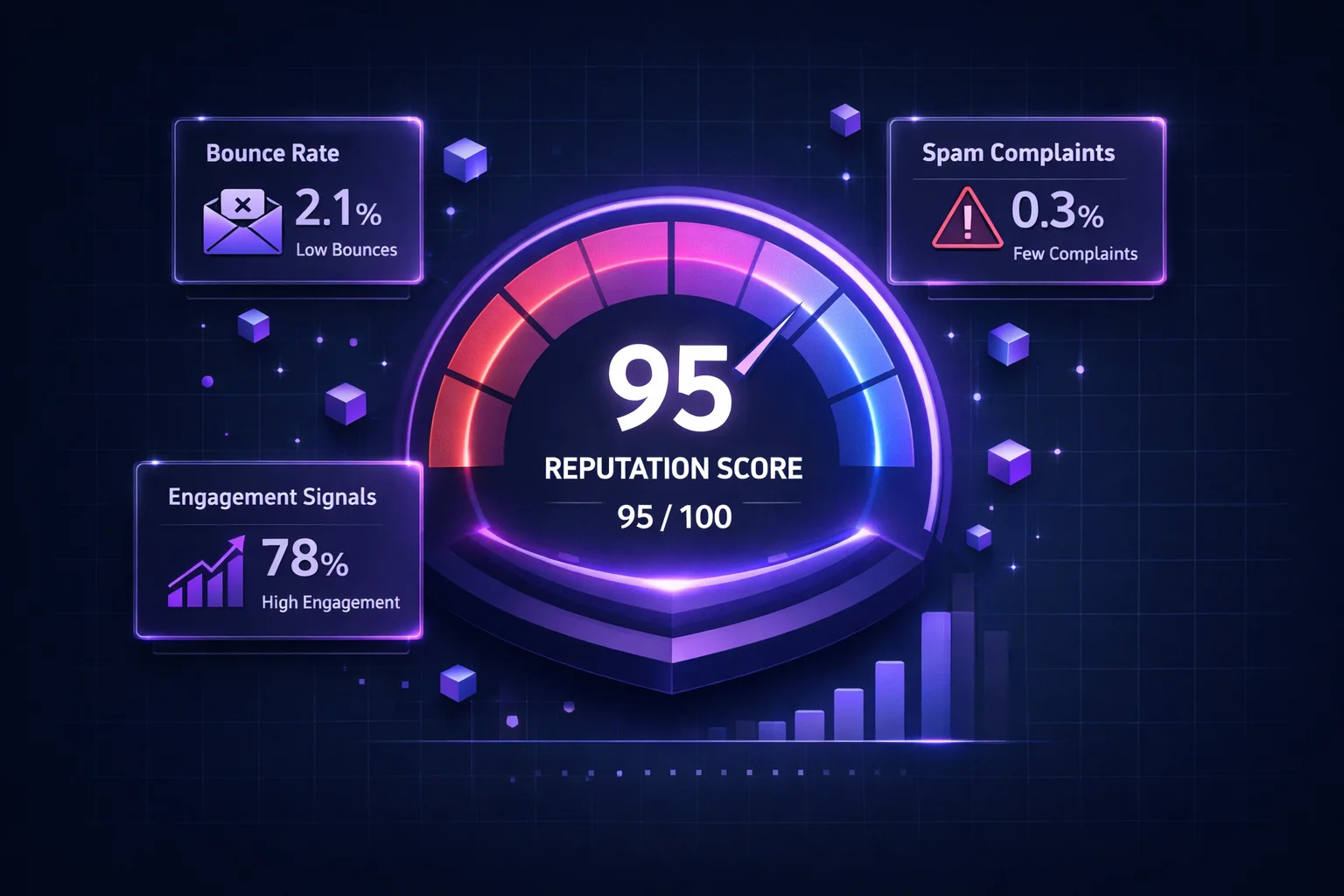
- High bounce rate. Sending to addresses that don't exist is the #1 trigger. If more than 5% of your emails bounce, you're on thin ice. Above 10%, expect a blacklist entry soon.
- Spam complaints. When recipients mark your email as spam, their mailbox provider reports it. Too many complaints relative to your sending volume gets you flagged.
- Spam trap hits. Anti-spam organizations plant trap addresses across the internet. These addresses belong to nobody -- so the only way to email them is from a purchased or scraped list. Hitting one is a strong signal of spamming behavior.
- Sudden volume spikes. Going from 100 emails/day to 10,000 overnight looks suspicious, especially on a new domain or IP.
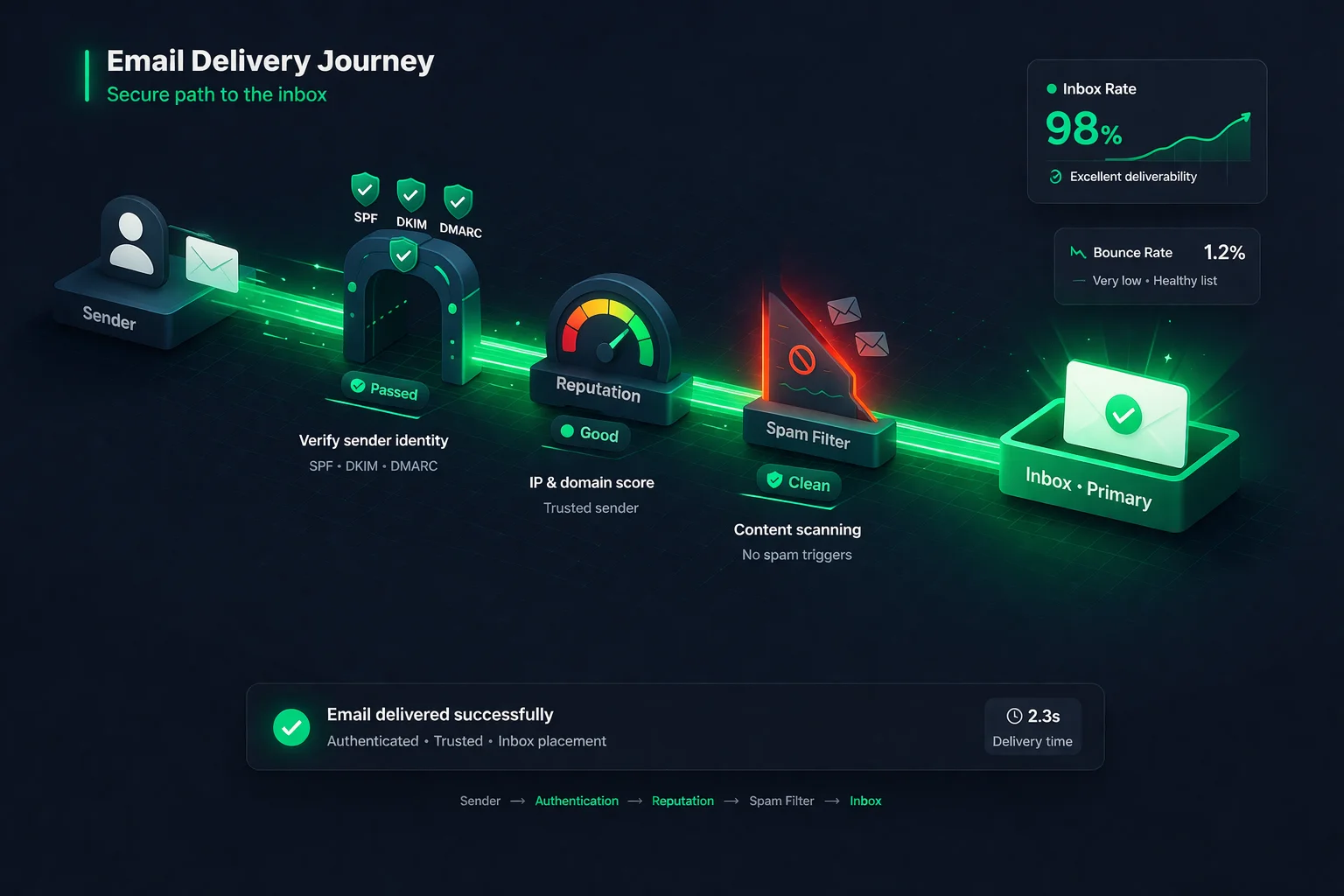
- Poor authentication. Missing or misconfigured SPF, DKIM, or DMARC records make it easy for spammers to impersonate your domain -- and some blacklists flag unauthenticated senders.
- Shared IP reputation. If you're on a shared sending IP (common with budget ESPs), another sender's bad behavior can get the IP blacklisted, affecting everyone on it.
The most common reason for blacklisting? Sending to a dirty email list. Cleaning your list before every campaign is the single most effective prevention.
Blacklists That Actually Matter
Not all blacklists are equal. Here are the ones that have real impact on whether your emails reach the inbox:
| Blacklist | Impact | Used By | Removal |
|---|---|---|---|
| Spamhaus (ZEN) | Critical | Gmail, Outlook, Yahoo, most ISPs | Manual request |
| Barracuda (BRBL) | High | Corporate email gateways | Self-service form (12-24h) |
| SpamCop | High | Many ISPs and corporate filters | Auto-expire (24-48h) |
| Proofpoint | High | Enterprise email security | Manual request |
| CBL (Abuseat) | Medium-High | Included in Spamhaus XBL | Self-service lookup |
| SORBS | Medium | Some ISPs | Varies by list type |
| SPFBL | Low | Regional (Brazil-focused) | Auto-expire or request |
| HostKarma | Low | Limited adoption | Reputation-based auto |
Bottom line: If you're on Spamhaus, Barracuda, or SpamCop -- take immediate action. If you're on SPFBL or HostKarma -- don't panic. These minor lists have minimal impact on your deliverability.
How to Check If You're Blacklisted
You need to check both your sending IP address and your sending domain. Here's how:
Option 1: Manual check (free)
- MXToolbox Blacklist Check -- Checks your IP/domain against 70+ blacklists. Quick and free.
- MultiRBL.valli.org -- Tests against 300+ lists including obscure ones. More comprehensive but slower.
- Spamhaus Lookup -- Check directly with the most important blacklist at check.spamhaus.org.
Option 2: Automated monitoring (recommended)
Manual checks only tell you what's happening right now. By the time you notice, you might have been blacklisted for days and lost thousands of emails to spam.
Automated monitoring checks your IPs and domains continuously and alerts you immediately when a listing is detected. Tools like ClearBounce's IP & Domain Monitoring scan 25+ major blacklists on a recurring schedule and send you alerts so you can act fast -- before your deliverability takes a serious hit.
How to Get Delisted: Step by Step
Getting off a blacklist is a two-step process: fix the root cause first, then request removal. If you request removal without fixing the underlying issue, you'll just get re-listed.
Step 1: Fix the root cause
- Clean your email list. Run your entire list through an email verification service. Remove all invalid, disposable, and high-risk addresses. This is non-negotiable.
- Check your authentication. Make sure SPF, DKIM, and DMARC are properly configured. Use your ESP's documentation or Google's Postmaster Tools to verify.
- Review your sending practices. Are you sending to purchased lists? Cold emailing without verification? Ignoring bounces? Stop doing whatever triggered the listing.
- Check for compromised accounts. Sometimes a blacklisting happens because your email account or server was compromised and used to send spam without your knowledge.
Step 2: Request removal
Each blacklist has its own removal process. Here are the most common ones:
Spamhaus
Visit check.spamhaus.org, look up your IP/domain, and follow the removal instructions. You'll need to explain what caused the listing and what you've done to fix it.
Timeline: 24-72 hours after request
Barracuda (BRBL)
Go to barracudacentral.org/rbl/removal-request and submit your IP. Barracuda's process is straightforward -- fill out the form and wait.
Timeline: 12-24 hours
SpamCop
SpamCop is self-clearing. If no new spam reports come in, your listing automatically expires within 24-48 hours. No manual action needed.
Timeline: Auto-expire in 24-48h
CBL (Abuseat)
Visit abuseat.org, look up your IP, and click the removal link. CBL provides detailed information about what triggered the listing.
Timeline: Usually within hours
How to Prevent Getting Blacklisted
Prevention is always easier than removal. These practices will keep you off blacklists in the first place:
- Verify your email list before every campaign. This is the single most important thing you can do. Invalid addresses cause bounces, and bounces cause blacklistings. Verify your list to remove bad addresses before they damage your reputation.
- Use double opt-in for signups. When someone subscribes, send a confirmation email. Only add them to your list after they confirm. This eliminates typos, fake signups, and spam traps from entering your list.
- Monitor your bounce rate. Keep hard bounces below 2% per campaign. If you're consistently above 5%, your list has a hygiene problem.
- Warm up new IPs and domains. Don't start sending at full volume on day one. Gradually increase your sending volume over 2-4 weeks to build reputation.
- Make unsubscribing easy. A visible, one-click unsubscribe link reduces spam complaints. People who can't find the unsubscribe button hit "Report Spam" instead.
- Set up authentication. SPF tells receivers which IPs can send on your behalf. DKIM proves the email wasn't altered in transit. DMARC ties them together with a policy. All three should be configured.
- Monitor blacklists proactively. Don't wait until your emails start bouncing. Use automated monitoring to get alerted the moment a listing appears, so you can fix it before it impacts your campaigns.
Major vs. Minor Blacklists: Don't Panic
One of the biggest mistakes senders make is panicking over a minor blacklist listing. If you check your domain against 300 blacklists and find yourself on SPFBL or HostKarma, it's rarely cause for alarm.
Here's a simple rule of thumb:
Act Now
- Spamhaus (any list)
- Barracuda BRBL
- SpamCop
- Proofpoint
Investigate
- CBL / Abuseat
- SORBS
- JustSpam
- Invaluement
Low Concern
- SPFBL
- HostKarma
- Nordspam
- Suomispam
Minor blacklists often have automatic expiration. Many will delist you within hours or days without any action on your part. Focus your energy on the major ones.
The Connection Between List Hygiene and Blacklists
There's a direct line between the quality of your email list and your blacklist risk. Here's how it works:
Dirty list → high bounce rate → reputation damage → blacklist → spam folder → even more reputation damage.
It's a downward spiral. Once you're on a major blacklist, even your emails to valid, engaged subscribers start going to spam. Those subscribers stop opening your emails, which further tanks your engagement metrics, which makes inbox providers even less likely to deliver your future emails.
Breaking this cycle starts with list verification. Remove invalid addresses before they bounce. Remove disposable addresses before they report you as spam. Remove role-based addresses (info@, sales@) that nobody monitors. What's left is a clean, verified list that won't trigger blacklist entries.
Bottom Line
Email blacklists exist to protect inboxes from spam. If you're on one, it's a signal that something in your sending practices needs to change. The fix is almost always the same: clean your list, fix your authentication, and send better emails.
Don't panic about minor blacklists. Focus on the major ones (Spamhaus, Barracuda, SpamCop). Fix the root cause before requesting removal. And invest in prevention -- regular list verification and proactive monitoring -- so you never end up on a blacklist in the first place.
Protect your sender reputation.
ClearBounce keeps your email list clean and your domains monitored. Verify your lists to prevent bounces, and use IP & Domain Monitoring to catch blacklist entries before they hurt your campaigns.
100 free credits. No credit card required.
Start Monitoring Free