Email List Segmentation: The Complete Guide to Better Engagement

You have 50,000 subscribers. You write a carefully crafted email and blast it to the entire list. Open rate: 14%. Click rate: 1.2%. Unsubscribes: climbing. Sound familiar? The problem isn't your email. It's that you sent the same message to 50,000 people who have almost nothing in common.
That's where email list segmentation comes in. It's the practice of dividing your subscriber list into smaller, targeted groups based on shared characteristics -- and it's the single most effective way to improve engagement, reduce churn, and protect your sender reputation.
In this guide, we'll break down what segmentation is, why it matters more than ever in 2026, the different types of segmentation you should be using, and how to implement it without overcomplicating your workflow.
What Is Email List Segmentation?
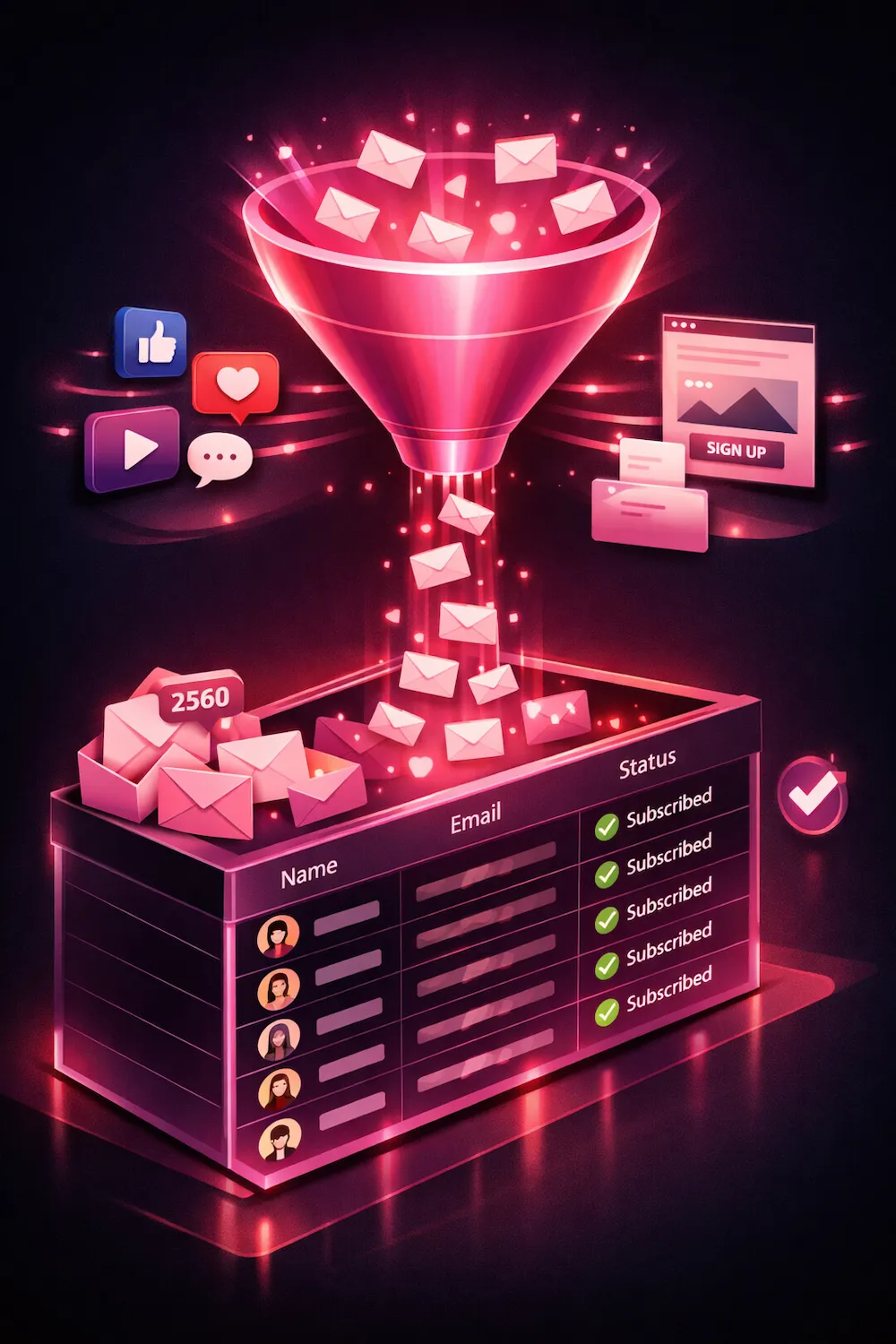
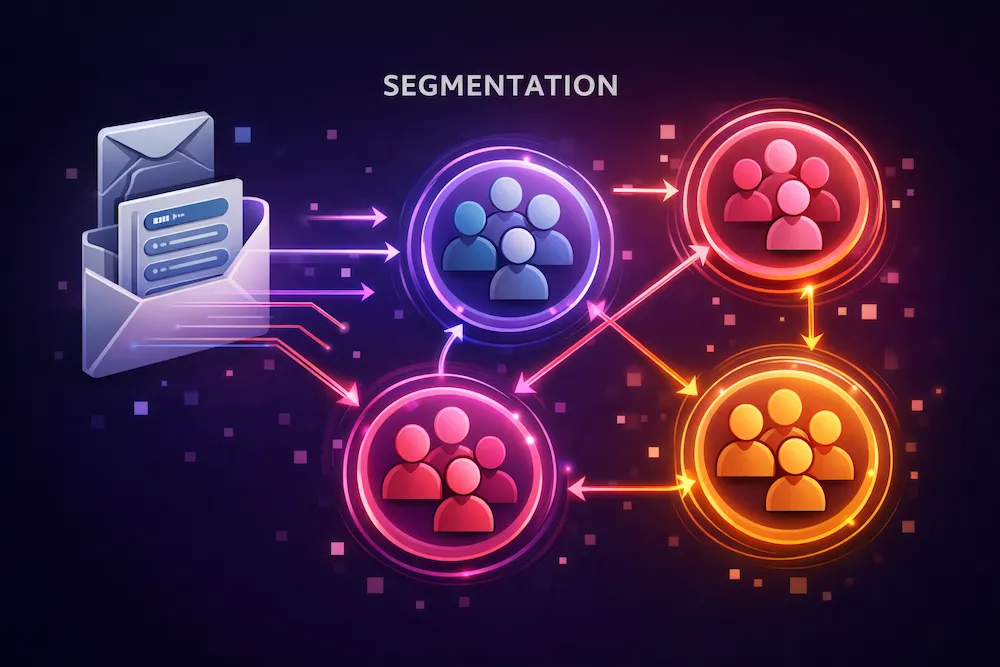
Email list segmentation is the process of splitting your email subscribers into distinct groups (segments) based on criteria you define. Instead of treating your list as one homogeneous audience, you create subgroups that share specific traits -- whether that's their location, their purchase behavior, how recently they opened an email, or what content they've engaged with.
The goal is simple: send the right message to the right people at the right time. A first-time subscriber needs a different email than a customer who has purchased five times. A subscriber in Tokyo has different needs than one in Toronto. A highly engaged reader who opens every email deserves different treatment than someone who hasn't opened in six months.
Segmentation isn't about sending more emails. It's about sending fewer, better-targeted emails that each recipient actually wants to receive. The result is higher open rates, more clicks, fewer complaints, and stronger deliverability.
Why Segmentation Matters in 2026
Email segmentation has always been a best practice. But in 2026, it's closer to a requirement. Here's why:
- Mailbox providers reward engagement. Gmail, Outlook, and Yahoo use recipient engagement (opens, clicks, replies) as a major factor in deciding where to place your emails. Segmented campaigns generate higher engagement, which directly improves inbox placement.
- Subscriber expectations have changed. People receive an average of 120+ emails per day. Generic, one-size-fits-all messages get ignored or marked as spam. Personalized, relevant content stands out.
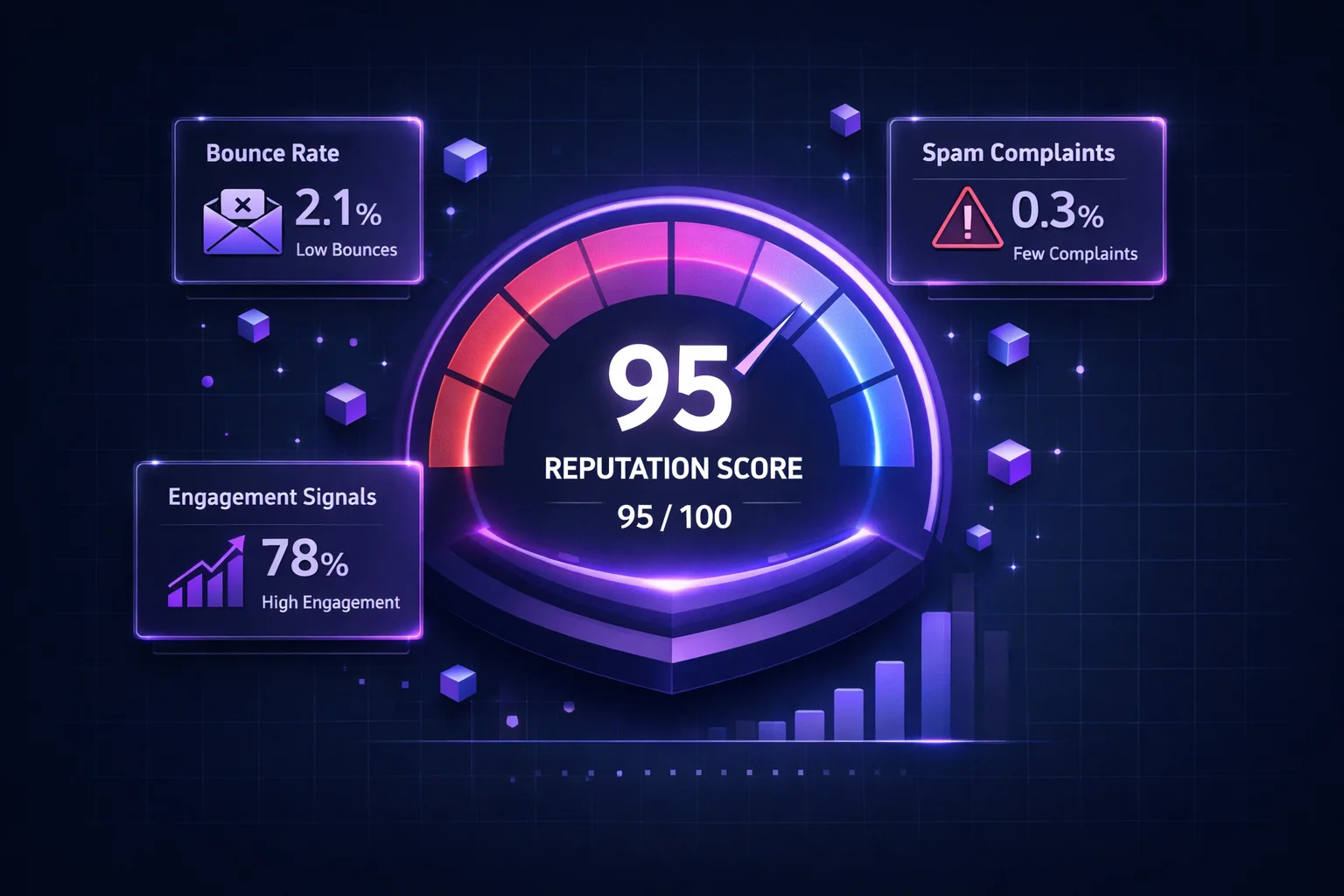
- Spam complaints are more damaging than ever. Google's updated sender guidelines enforce a 0.3% complaint rate threshold. Sending irrelevant content to the wrong segment is the fastest way to exceed that limit.
- Competition for inbox attention is fierce. Brands that segment outperform those that don't -- by a wide margin. In a crowded inbox, relevance wins.
78%
higher open rates from segmented campaigns vs. non-segmented
6x
more transaction revenue generated by targeted, segmented emails
50%
reduction in unsubscribe rates when content is relevant to the segment
The 4 Core Types of Email Segmentation
There are many ways to slice your list, but most effective segmentation strategies fall into four categories. The best email programs combine multiple types.
1. Demographic Segmentation
FoundationSegment by age, gender, location, job title, company size, or industry. This is the most basic form of segmentation and the easiest to implement because you typically collect this data at signup. A B2B SaaS company might segment by company size (startup vs. enterprise) to tailor messaging. An e-commerce brand might segment by location to send region-specific promotions.
2. Behavioral Segmentation
High ImpactSegment by actions subscribers have taken: pages visited, content downloaded, features used, webinars attended, or forms submitted. Behavioral data reveals intent. Someone who visited your pricing page three times is much closer to buying than someone who only read a blog post. Tailor your emails to match where each subscriber is in their journey.
3. Engagement-Based Segmentation
Critical for DeliverabilitySegment by how subscribers interact with your emails specifically: open frequency, click frequency, last open date, and last click date. This is the most important type of segmentation for deliverability. It lets you identify your most loyal readers, re-engage fading subscribers, and suppress inactive contacts before they damage your sender reputation.
4. Purchase History Segmentation
Revenue DriverSegment by what customers bought, how often they buy, how much they spend, and when they last purchased. This is the bread and butter of e-commerce email. You can create segments for first-time buyers (onboarding sequences), repeat customers (loyalty rewards), lapsed buyers (win-back campaigns), and high-value customers (VIP treatment and early access).
How to Segment by Engagement Level
Engagement-based segmentation deserves its own section because it has the single biggest impact on both your email performance and your sender reputation. Here's a practical framework you can implement today:
Highly Engaged (Active in the last 30 days)
These subscribers have opened or clicked an email within the past 30 days. They're your best audience -- they want to hear from you. Send them your most important campaigns first. Include them in product launches, time-sensitive offers, and A/B tests. Their positive engagement signals (opens, clicks, replies) build your reputation with mailbox providers and make it easier for your emails to reach everyone else.
Moderately Engaged (Active in the last 30-90 days)
These subscribers engaged recently but not in the last month. They're still interested but may be losing attention. Maintain your regular sending frequency but focus on your highest-value content. Consider subject line testing specifically for this group. A well-timed, highly relevant email can move them back into the "highly engaged" category.
Disengaged (No activity in 90-180 days)
These subscribers haven't interacted with your emails in three to six months. This is the danger zone. Continuing to email them at full frequency hurts your engagement metrics and can damage deliverability. Reduce sending frequency to once or twice per month. Launch a dedicated re-engagement campaign: a special offer, a "we miss you" message, or a simple "do you still want to hear from us?" email with a clear opt-in button.
Inactive (No activity in 180+ days)
Subscribers who haven't opened a single email in six months are almost certainly not seeing your emails -- or not interested. Some of these addresses may have been converted into recycled spam traps by mailbox providers. Send one final re-engagement attempt, and if there's no response, remove them from your active sending list. This protects your sender reputation and improves metrics across the board. You can always keep them in a suppressed segment for a future last-chance campaign.
Segmentation Strategies: What to Send to Each Segment
Here's a practical reference table showing which types of emails work best for different segments:
| Segment | Best Content Types | Frequency | Goal |
|---|---|---|---|
| New subscribers (0-14 days) | Welcome series, brand story, getting started guides | 3-5 emails over 2 weeks | Build relationship |
| Highly engaged | Product launches, exclusive offers, surveys, referrals | 2-4x per week | Maximize revenue |
| Moderately engaged | Best content, strong offers, social proof | 1-2x per week | Re-activate |
| Disengaged (90-180 days) | Re-engagement campaigns, preference updates, special deals | 1-2x per month | Win back or identify for removal |
| VIP / High-value customers | Early access, loyalty rewards, personal thank-yous | Varies by program | Retain and reward |
| Cart abandoners | Reminder emails, social proof, limited-time incentives | 2-3 emails over 48 hours | Recover lost sales |
| Lapsed buyers (90+ days since purchase) | Win-back offers, new product highlights, restock reminders | 1-2x per month | Reactivate purchasing |
Segmentation's Impact on Deliverability and Reputation
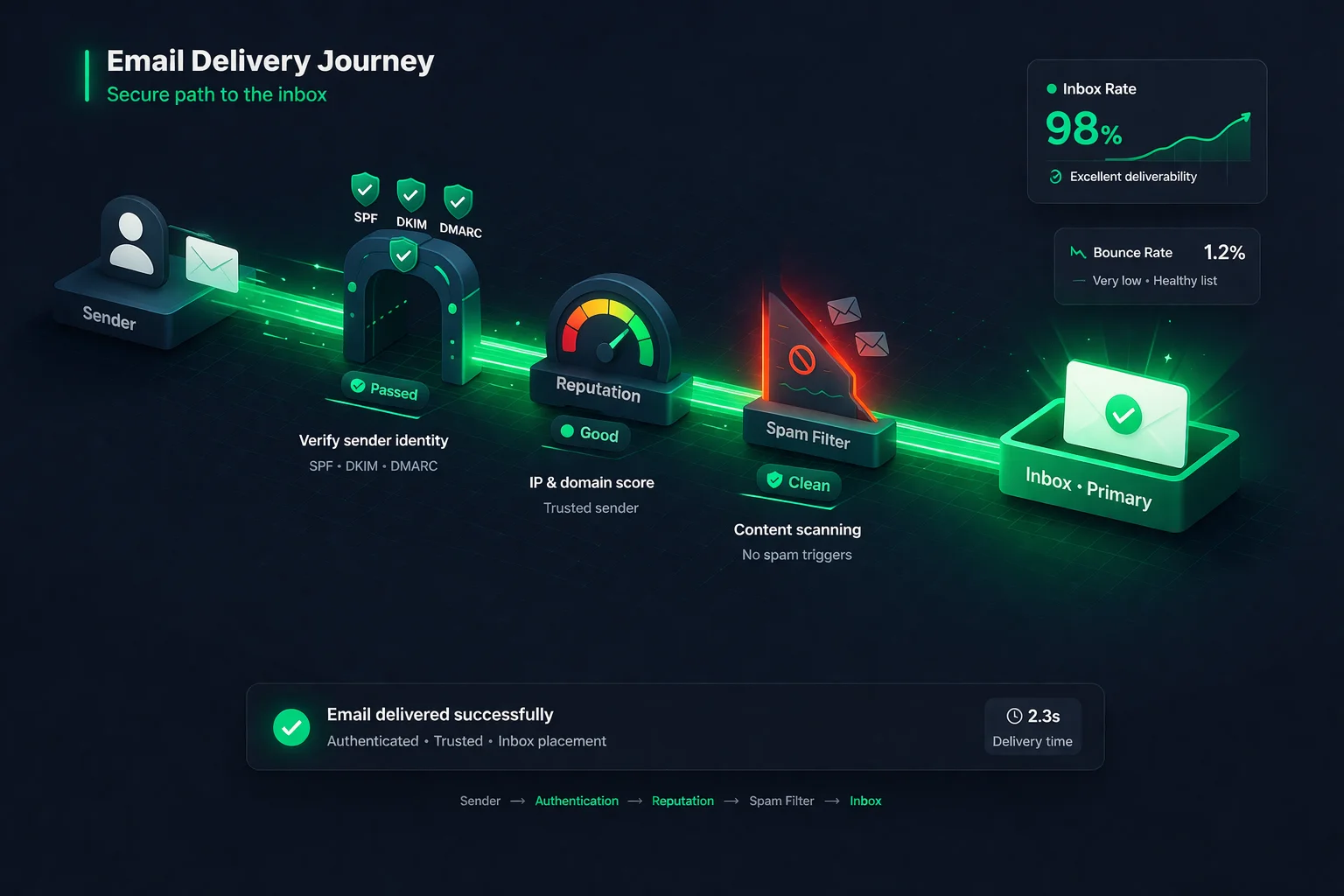
This is the part most guides overlook. Segmentation isn't just a marketing tactic -- it's a deliverability strategy. Here's how segmentation directly impacts whether your emails reach the inbox:
Higher engagement = better inbox placement
When you send to segmented groups who actually want your content, open rates and click rates go up. Mailbox providers track these engagement signals. Higher engagement tells Gmail, Outlook, and Yahoo that your emails are wanted -- and they reward you with better inbox placement across your entire sending.
Fewer complaints = protected reputation
The number one reason people hit "Report Spam" is receiving emails they don't find relevant. By sending targeted content to the right segments, you dramatically reduce the chance of triggering spam complaints. Remember: Gmail's threshold is 0.3%. A single poorly targeted blast can push you over that limit.
Suppressing inactive contacts = avoiding spam traps
When you segment by engagement and stop sending to long-inactive subscribers, you avoid a hidden danger: recycled spam traps. Mailbox providers sometimes convert abandoned email addresses into trap addresses. If you keep emailing those addresses, you're telling ISPs that you don't maintain your list -- and the reputation penalty is severe.
Consistent volume to engaged users = stable sender profile
ISPs build a profile of your normal sending behavior. When you use segmentation to send consistent, predictable volumes to engaged audiences, you create a stable sender profile that ISPs trust. Erratic, high-volume blasts to your entire list create the opposite signal.
Segmentation and deliverability are two sides of the same coin. You can't have great deliverability without sending relevant content to engaged recipients -- and that's exactly what segmentation enables.
Tools and Implementation
You don't need enterprise-level tools to start segmenting effectively. Here's what you need and how to set it up:
Step 1: Clean your list first
Before you segment, make sure the data you're working with is accurate. Run your list through email verification to remove invalid addresses, disposable emails, and risky contacts. There's no point in creating perfectly targeted segments if 15% of the addresses in them are invalid. A clean list is the foundation of effective segmentation.
Step 2: Choose your segmentation criteria
Start with engagement-based segmentation -- it delivers the fastest results and has the most direct impact on deliverability. Use your email platform's reporting to identify subscribers by last open date and create the four tiers outlined above (highly engaged, moderately engaged, disengaged, inactive). Once this is in place, layer on demographic or behavioral criteria as your data allows.
Step 3: Set up dynamic segments
Most modern email platforms (Mailchimp, Klaviyo, ActiveCampaign, HubSpot, Brevo) support dynamic or "smart" segments that update automatically based on subscriber behavior. Set these up so subscribers move between segments as their engagement changes. A moderately engaged subscriber who opens three emails in a week automatically becomes highly engaged. An active subscriber who goes silent for 90 days automatically moves to the disengaged segment.
Step 4: Connect your data sources
The more data points you connect, the more powerful your segments become. Use integrations to sync your email platform with your CRM, e-commerce platform, website analytics, and support tools. This gives you purchase data, browsing behavior, support ticket history, and more -- all of which you can use to create hyper-relevant segments.
Step 5: Test, measure, and refine
Segmentation isn't set-and-forget. Monitor the performance of each segment: open rates, click rates, conversion rates, unsubscribe rates, and complaint rates. If a segment consistently underperforms, dig into why. Maybe the criteria needs to be adjusted. Maybe the content isn't resonating. Use A/B testing within segments to continuously improve.
7 Common Segmentation Mistakes to Avoid
Segmentation is powerful, but it's easy to get wrong. Here are the pitfalls we see most often:
If your list is full of invalid addresses, duplicates, and spam traps, no amount of segmentation will save you. Verify your list before you segment it. Clean data in, clean segments out.
Segmenting only by demographics (location, age) while ignoring engagement is a half-measure. A subscriber in New York who hasn't opened in 8 months is a bigger problem than a subscriber in London who clicks every email.
Creating 50 micro-segments with 200 subscribers each is unmanageable and statistically meaningless. Start with 3-5 core segments. You can always add more as your data and team capacity grow.
Subscriber behavior changes constantly. If your segments are based on a one-time snapshot, they'll become stale fast. Use dynamic segments that automatically update based on real-time activity.
Segmenting your list but then sending identical emails to each group is segmentation theater. The whole point is to tailor content, offers, and messaging to each group's specific needs and interests.
Continuing to email subscribers who haven't opened in 6+ months drags down your metrics and risks hitting spam traps. Use segmentation to identify these contacts and either re-engage or remove them.
If you're not tracking open rates, click rates, and conversions per segment, you can't know what's working. Without measurement, you're guessing -- and guessing doesn't scale.
The Bottom Line
Email list segmentation is the difference between sending email and sending email that works. It's the difference between a 14% open rate and a 35% open rate. Between climbing unsubscribes and growing engagement. Between emails that land in spam and emails that land in the inbox.
The formula is straightforward: clean your list, segment by engagement, tailor your content, and measure everything. Start with engagement-based segments -- they're the fastest to implement and have the most direct impact on both performance and deliverability. Layer on behavioral, demographic, and purchase history segmentation as your program matures.
The brands that win at email in 2026 aren't the ones sending the most emails. They're the ones sending the most relevant emails to the most engaged audiences. Segmentation is how you get there.
But none of it works if your list is full of invalid, risky, or outdated email addresses. Segmentation built on dirty data just creates well-organized chaos. Start with a clean, verified list -- and everything else gets easier.
Start with a clean, verified list.
ClearBounce removes invalid, disposable, and risky email addresses from your list so every segment you build is based on real, reachable subscribers. Clean data makes segmentation actually work.
100 free credits. No credit card required.
Verify Your List Free