Reputación del Remitente de Email: Cómo Verificarla, Protegerla y Repararla
Elaboras el email perfecto. Línea de asunto convincente, contenido valioso, llamada a la acción clara. Presionas enviar. Y no pasa nada. Las tasas de apertura están planas. Los clics están muertos. Tus emails están cayendo en spam -- o peor, siendo rechazados silenciosamente antes de llegar a la Bandeja de Entrada.
El culpable no es tu contenido. Es tu Reputación del Remitente -- la puntuación invisible que los proveedores de correo usan para decidir si tus emails merecen la Bandeja de Entrada o la carpeta de spam. Es el factor más importante en la Entregabilidad de email, y la mayoría de los remitentes ni siquiera conocen la suya.
¿Qué Es la Reputación del Remitente?
La Reputación del Remitente es una puntuación que los proveedores de correo como Gmail, Outlook y Yahoo asignan a tu dirección IP de envío y dominio. Se basa en tu historial y comportamiento de envío de email -- cuántos emails envías, cómo reaccionan los destinatarios y si sigues las mejores prácticas de email.
Piensa en ella como un puntaje crediticio para el email. El buen comportamiento (pocos rebotes, alto engagement, autenticación adecuada) construye tu reputación con el tiempo. El mal comportamiento (muchos rebotes, quejas de spam, impactos de spam traps) la destruye -- a veces en una sola campaña.
Cada proveedor de correo calcula la reputación de forma independiente. Podrías tener una reputación excelente con Gmail pero una pobre con Outlook. Por eso tus emails pueden llegar a las bandejas de entrada de Gmail perfectamente mientras desaparecen en la carpeta de spam de Outlook.
Por Qué Importa la Reputación del Remitente
Esto es lo que sucede en cada nivel de reputación:
Reputación Alta
95%+ Bandeja de EntradaLos emails llegan a la bandeja de entrada principal. Altas tasas de apertura, entregabilidad completa. Has ganado la confianza de los proveedores de correo a través de envíos consistentes y limpios.
Reputación Media
70-90% Bandeja de EntradaAlgunos emails van a spam. La ubicación en la pestaña de Promociones aumenta. Estás en terreno frágil -- una mala campaña podría empujarte al territorio bajo.
Reputación Baja / Mala
<50% Bandeja de EntradaLa mayoría de los emails van a spam o son rechazados directamente. El engagement colapsa. El revenue del email cae dramáticamente. La recuperación toma semanas de envío disciplinado.
Reputación de IP vs. Reputación de Dominio
En realidad hay dos tipos de Reputación del Remitente, y necesitas gestionar ambas:
| Reputación de IP | Reputación de Dominio | |
|---|---|---|
| Qué rastrea | Comportamiento de envío desde tu dirección IP | Comportamiento de envío desde tu dominio (ej., tumarca.com) |
| Compartida vs. Dedicada | Puede compartirse con otros remitentes (IPs compartidas del ESP) | Siempre vinculada solo a tu dominio |
| Quién la controla | Tú (IP dedicada) o tu ESP (IP compartida) | Siempre tú |
| ¿Cuál importa más? | Importante para Outlook, Yahoo | Gmail pesa más la reputación del dominio |
| ¿Se puede cambiar? | Sí -- cambia de IP o calienta una nueva | No -- tu dominio te sigue a todas partes |
In the past, senders could "reset" a bad reputation by switching to a new IP address. That doesn't work anymore. Gmail now primarily uses domain reputation, which means your domain's sending history follows you regardless of which IP you send from. This is why maintaining clean sending practices is more important than ever.
Los 6 Factores que Afectan Tu Reputación del Remitente
Los proveedores de correo no compartirán sus algoritmos exactos, pero estos son los factores conocidos clasificados por impacto:
Enviar a direcciones inválidas les dice a los ISPs que no mantienes tu lista. Mantén los Rebotes Permanentes por debajo del 2%. Por encima del 5% activa throttling inmediato.
Cuando los destinatarios hacen clic en "Reportar Spam", va directamente al ISP. Mantén las quejas por debajo del 0.1% (1 por cada 1,000 emails). El umbral de Gmail es 0.3% -- superarlo y estás en problemas.
Impactar una Trampa de Spam señala malas prácticas de lista. Incluso una trampa prístina puede causar inclusión en Listas Negras. La limpieza regular de listas es la defensa principal.
Los picos repentinos de volumen parecen spam. Si normalmente envías 5,000/día y saltas a 50,000, los ISPs te harán throttling. Escala gradualmente y mantén patrones consistentes.
Las aperturas, clics, respuestas y mover emails fuera de spam impulsan la reputación. El bajo engagement les dice a los ISPs que los destinatarios no quieren tus emails.
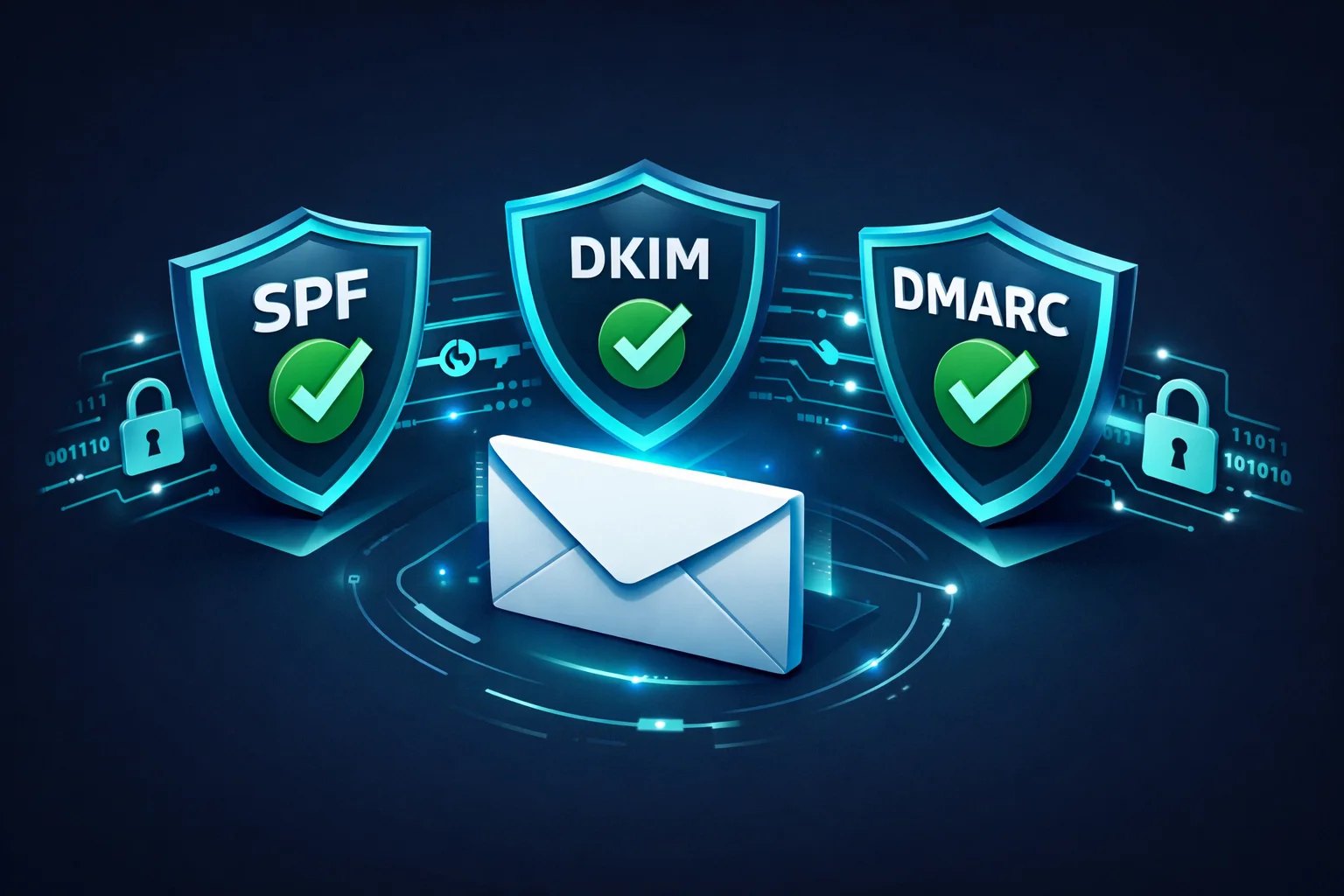
Los registros faltantes de SPF, DKIM o DMARC te hacen parecer poco confiable. La autenticación es requisito básico en 2026 -- sin ella, muchos proveedores ni siquiera aceptarán tu email.
Cómo Verificar Tu Reputación del Remitente
No puedes arreglar lo que no puedes medir. Estas son las mejores herramientas para monitorear tu reputación:
Google Postmaster Tools (Gratis)
El estándar de oro para la reputación en Gmail. Después de verificar tu dominio, verás tu reputación de dominio calificada como High, Medium, Low o Bad. También verás la tasa de spam, la tasa de éxito de autenticación y las métricas de encriptación. Si envías cualquier volumen significativo a direcciones de Gmail, esto es obligatorio.
Microsoft SNDS (Gratis)
Smart Network Data Services muestra tu reputación de IP con Outlook/Hotmail. Muestra datos sobre volumen de mensajes, tasas de quejas e impactos de trampas para cada IP. Menos detallado que Google Postmaster pero esencial para la Entregabilidad en Outlook.
SenderScore por Validity (Gratis)
Proporciona una puntuación de 0-100 para tu IP de envío basada en 30 días de datos. Las puntuaciones por encima de 80 se consideran buenas. Por debajo de 70 significa que tienes trabajo que hacer. Es una instantánea útil, aunque solo se basa en IP y no cubre la reputación del dominio.
Monitoreo de Listas Negras
Estar listado en una lista de bloqueo como Spamhaus o Barracuda es una señal clara de daño a la reputación. Usa herramientas como MXToolbox o el Kit de Entregabilidad de ClearBounce para monitorear tus listados y recibir alertas cuando seas añadido a una Lista Negra.
83%
de los emails que no llegan a la Bandeja de Entrada fallan por mala Reputación del Remitente
0.1%
tasa máxima de quejas de spam recomendada por Gmail
2-6 sem
tiempo típico de recuperación por daños a la reputación
8 Formas de Mejorar Tu Reputación del Remitente
1. Verifica tu lista de email antes de cada campaña
La forma más rápida de destruir la reputación es enviar a una lista llena de direcciones inválidas. La verificación de email elimina Rebotes Permanentes, direcciones desechables y emails riesgosos antes de que causen daño. Si tu lista no ha sido limpiada en los últimos 30 días, límpiala antes de tu próximo envío.
2. Configura SPF, DKIM y DMARC
Estos tres protocolos de autenticación demuestran que eres quien dices ser. SPF les dice a los receptores qué servidores pueden enviar en nombre de tu dominio. DKIM agrega una firma criptográfica a cada email. DMARC les dice a los receptores qué hacer cuando falla la autenticación. En 2026, Gmail y Yahoo requieren los tres para remitentes masivos.
3. Mantén las quejas de spam por debajo del 0.1%
Cada queja de spam es un voto en tu contra. Para minimizar las quejas: solo envía emails a personas que explícitamente dieron su opt-in, incluye un enlace de cancelación visible en cada email, procesa las solicitudes de cancelación de inmediato y nunca uses líneas de asunto engañosas. Si las quejas se disparan después de una campaña, pausa e investiga antes de enviar de nuevo.
4. Elimina suscriptores inactivos
Los suscriptores que no han abierto tus emails en más de 6 meses están arrastrando tus métricas de engagement -- y algunas de esas direcciones pueden haber sido convertidas en Trampas de Spam. Ejecuta una campaña de re-engagement y elimina a cualquiera que no responda.
5. Calienta las nuevas IPs y dominios gradualmente
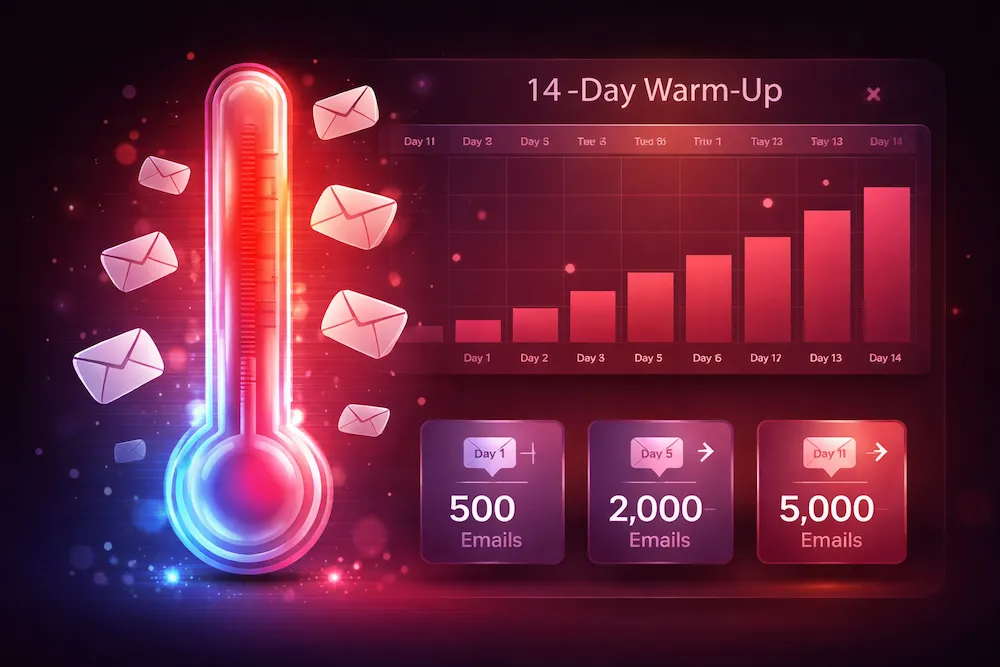
Las nuevas IPs y dominios no tienen reputación -- lo cual los ISPs tratan como sospechoso. Comienza enviando un volumen pequeño (100-500/día) a tus suscriptores más comprometidos. Aumenta gradualmente durante 2-4 semanas. Esto construye un historial de envío positivo antes de que alcances el volumen completo.
6. Mantén patrones de envío consistentes
Los ISPs perfilan tu comportamiento normal de envío. Los cambios dramáticos -- un pico de volumen repentino de 10x, enviar a horas inusuales, cambiar tipos de contenido -- activan el escrutinio. Mantén tu volumen de envío, frecuencia y calendario relativamente consistentes. Planifica los aumentos gradualmente.
7. Monitorea y procesa los rebotes inmediatamente
Los Rebotes Permanentes (direcciones inválidas) deben ser eliminados de tu lista inmediatamente después de cada envío. No dejes que se acumulen. La mayoría de los ESPs manejan esto automáticamente, pero verifica que el procesamiento de rebotes esté realmente funcionando. Una Tasa de Rebote de 5%+ en cualquier campaña individual es una emergencia.
8. Segmenta tu lista por engagement
Envía tus campañas más importantes a tus suscriptores más comprometidos primero. Si ese segmento tiene buen rendimiento (altas aperturas, pocas quejas), expande gradualmente a segmentos menos activos. Esto asegura que tus destinatarios de mejor rendimiento moldeen tu reputación antes de que lo hagan los más inciertos.
Cómo Reparar una Reputación Dañada
Si tu reputación ya está dañada, aquí está el plan de recuperación:
- Deja de enviar inmediatamente -- o reduce solo a tu segmento más comprometido. Continuar enviando masivamente a una lista completa con mala reputación solo profundiza el problema.
- Identifica la causa raíz. Revisa Google Postmaster para las tasas de quejas. Revisa las Listas Negras. Pasa tu lista por la verificación de email para encontrar cuántas direcciones inválidas tiene.
- Limpia tu lista agresivamente. Elimina todas las direcciones rebotadas, cancelaciones, quejas y cualquier persona inactiva por más de 6 meses. Esto podría reducir tu lista un 30-50% -- está bien. Una lista más pequeña y limpia es infinitamente mejor que una grande y tóxica.
- Corrige problemas de autenticación. Asegúrate de que SPF, DKIM y DMARC estén correctamente configurados y pasando. Usa Google Postmaster para verificar.
- Solicita la eliminación de Listas Negras en las que estés listado. Cada una tiene su propio proceso de eliminación, pero todas requieren que demuestres que has solucionado el problema subyacente.
- Reconstruye gradualmente. Envía volúmenes pequeños solo a tus suscriptores más comprometidos. Enfócate en generar aperturas, clics y respuestas. A medida que tus métricas mejoren durante 2-4 semanas, expande gradualmente tus envíos.
La reputación es lenta de construir y rápida de destruir. Una sola campaña a una lista sucia puede deshacer meses de buen comportamiento. La inversión más inteligente que puedes hacer es prevenir el daño en primer lugar.
Checklist de Reputación del Remitente
Aquí tienes un checklist rápido para mantener tu reputación saludable:
| Acción | Frecuencia | Impacto |
|---|---|---|
| Verificar tu lista de email | Antes de cada campaña importante | Previene rebotes + trampas |
| Revisar Google Postmaster Tools | Semanal | Detecta problemas temprano |
| Monitorear Listas Negras | Diario (automatizado) | Te alerta sobre listados |
| Procesar rebotes | Después de cada envío | Mantiene la lista limpia |
| Eliminar suscriptores inactivos | Trimestral | Mejora el engagement |
| Auditar autenticación (SPF/DKIM/DMARC) | Después de cualquier cambio DNS | Asegura la confianza |
| Revisar tasas de quejas | Después de cada campaña | Detecta problemas de contenido |
Conclusión
Tu Reputación del Remitente es el guardián entre tu email y la Bandeja de Entrada de tu audiencia. No importa qué tan bueno sea tu contenido, qué tan ingeniosa sea tu línea de asunto o qué tan perfecto sea tu timing -- si tu reputación es mala, tus emails no van a llegar.
¿La buena noticia? La reputación está completamente bajo tu control. Verifica tu lista, autentica tu dominio, respeta a tus suscriptores y envía de manera consistente. Haz estas cosas y mantendrás la alta reputación que gana la ubicación en la Bandeja de Entrada.
Los remitentes que luchan con la reputación casi siempre están cometiendo uno de dos errores: enviar a personas que no pidieron su email, o enviar a una lista que no han limpiado. Corrige esas dos cosas y resolverás el 90% de los problemas de reputación.
Protege tu Reputación del Remitente.
ClearBounce elimina direcciones de email inválidas, riesgosas y sospechosas de tu lista antes de que generen rebotes, quejas y daño a la reputación. Mantén tu lista limpia, mantén tu reputación alta.
100 créditos gratis. Sin necesidad de tarjeta de crédito.
Verifica Tu Lista Gratis