Aquecimento de Email: Como Aquecer uma Nova Conta de Email ou IP
Voce acabou de configurar um dominio de email novo, migrou para um IP dedicado ou se cadastrou em um novo provedor de servico de email. Importa sua lista, cria sua primeira campanha e dispara para 50.000 assinantes. O resultado? Taxas de abertura pessimas, uma onda de adiamentos e metade dos seus emails caindo no spam -- ou sendo bloqueados completamente.
O problema nao e seu conteudo ou sua lista. E que sua nova infraestrutura de envio tem reputacao zero. Provedores como Gmail, Outlook e Yahoo nao confiam em remetentes que nunca viram antes. E um remetente desconhecido disparando milhares de emails no primeiro dia parece exatamente como um spammer. E ai que entra o aquecimento de email.
O Que E Aquecimento de Email?
O aquecimento de email e o processo de aumentar gradualmente o numero de emails que voce envia de um novo endereco IP, dominio ou conta de email ao longo de semanas. Em vez de pular direto para seu volume total de envio, voce comeca pequeno -- talvez 50 emails por dia -- e aumenta metodicamente enquanto mantem metricas de engajamento fortes.
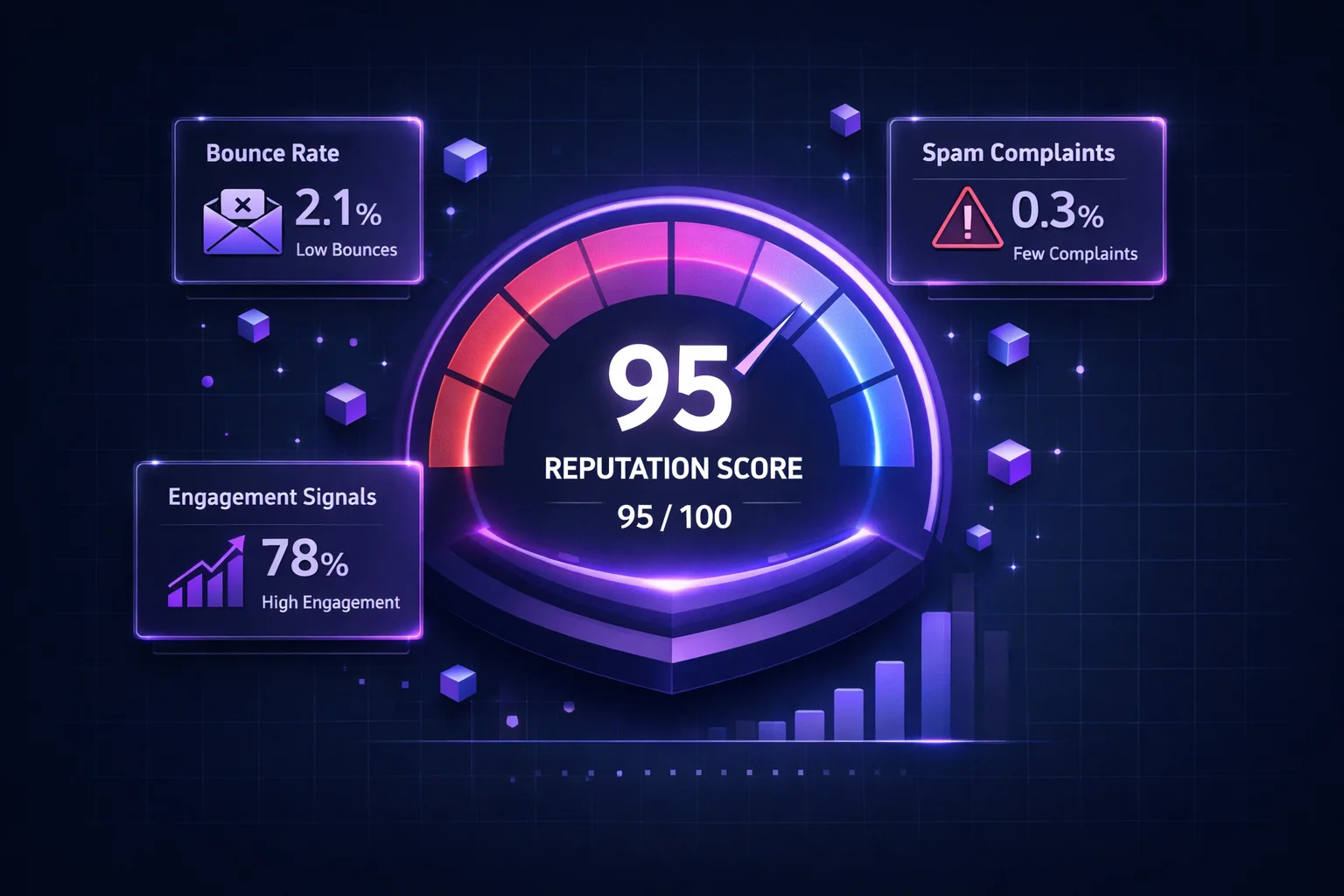
O proposito e construir um historico de envio positivo com provedores. Cada ISP mantem um perfil do seu comportamento de envio. Um novo remetente sem historico e tratado como suspeito por padrao. Ao aumentar lentamente o volume e demonstrar que os destinatarios abrem, leem e interagem com seus emails, voce prova que e um remetente legitimo que merece a caixa de entrada.
Pense nisso como construir credito. Voce nao pode entrar em um banco sem historico de credito e pedir um emprestimo de R$ 500.000. Voce comeca com um cartao de credito pequeno, faz pagamentos em dia e gradualmente constroi confianca. O aquecimento de email funciona da mesma forma -- voce conquista o posicionamento na caixa de entrada um lote por vez.
Por Que Novos IPs e Dominios Precisam de Aquecimento
Provedores usam seu historico de envio para decidir para onde seus emails vao. Um novo endereco IP ou dominio nao tem historico algum -- e uma pagina em branco que os ISPs tratam com desconfianca. Veja por que isso importa:
- Sem reputacao = sem confianca. Gmail, Outlook e Yahoo nunca viram trafego do seu IP ou dominio antes. Sem evidencia de que voce e um bom remetente, eles optam por filtragem cautelosa.
- Picos de volume sao sinal de spam. Spammers rotineiramente criam novos IPs e dominios, disparam milhoes de emails e os abandonam. Enviar alto volume de uma fonte desconhecida corresponde exatamente a esse padrao.
- ISPs limitam remetentes desconhecidos. A maioria dos provedores vai limitar ou adiar emails de novos remetentes. O Gmail pode aceitar 50 dos seus 5.000 emails e adiar o resto. O Outlook pode rejeita-los diretamente com erros 421 ou 452.
- Sinais negativos iniciais sao amplificados. Se seus primeiros 100 emails geram rejeicoes, reclamacoes ou baixo engajamento, esses dados negativos tem um impacto desproporcional na sua reputacao nascente. Nao ha historico positivo para equilibrar.
O processo de aquecimento resolve todos esses problemas. Ao comecar com um volume pequeno de emails enviados para seus destinatarios mais engajados, voce gera sinais positivos (aberturas, cliques, respostas) que dizem aos ISPs que voce e confiavel. Conforme essa confianca se constroi, voce pode aumentar o volume com seguranca sem acionar filtros.
Aquecimento de IP vs. Aquecimento de Dominio
Existem dois tipos de aquecimento, e entender a diferenca e essencial para acertar sua estrategia:
| Aquecimento de IP | Aquecimento de Dominio | |
|---|---|---|
| O que voce esta aquecendo | O endereco IP de envio (ex: um novo IP dedicado do seu ESP) | Seu dominio de envio (ex: mail.suamarca.com) |
| Quem se importa mais | Outlook, Yahoo, ISPs mais antigos que pesam IP fortemente | Gmail, que depende principalmente da reputacao de dominio |
| Quando e necessario | Ao mudar para IP dedicado, trocar de ESP, nova alocacao de IP | Novo dominio, novo subdominio para email, dominio nunca usado para envio |
| Pode resetar? | Sim -- pegue um novo IP e recomece (mas a reputacao do dominio te segue) | Nao -- o historico do seu dominio e permanente. Voce nao pode "resetar" com um novo IP. |
| Compartilhado vs. dedicado | IPs compartilhados sao pre-aquecidos pelo ESP; IPs dedicados precisam de aquecimento | Sempre unico ao seu dominio; sempre precisa de aquecimento se novo |
Em 2026, a reputacao de dominio e a mais importante das duas. O Gmail processa mais de 1,8 bilhao de contas e depende principalmente da reputacao de dominio para filtrar email. Mesmo que voce aqueça seu IP perfeitamente, um dominio frio ainda causara problemas com o Gmail. A melhor abordagem e aquecer ambos simultaneamente.
O Cronograma de Aquecimento Dia a Dia
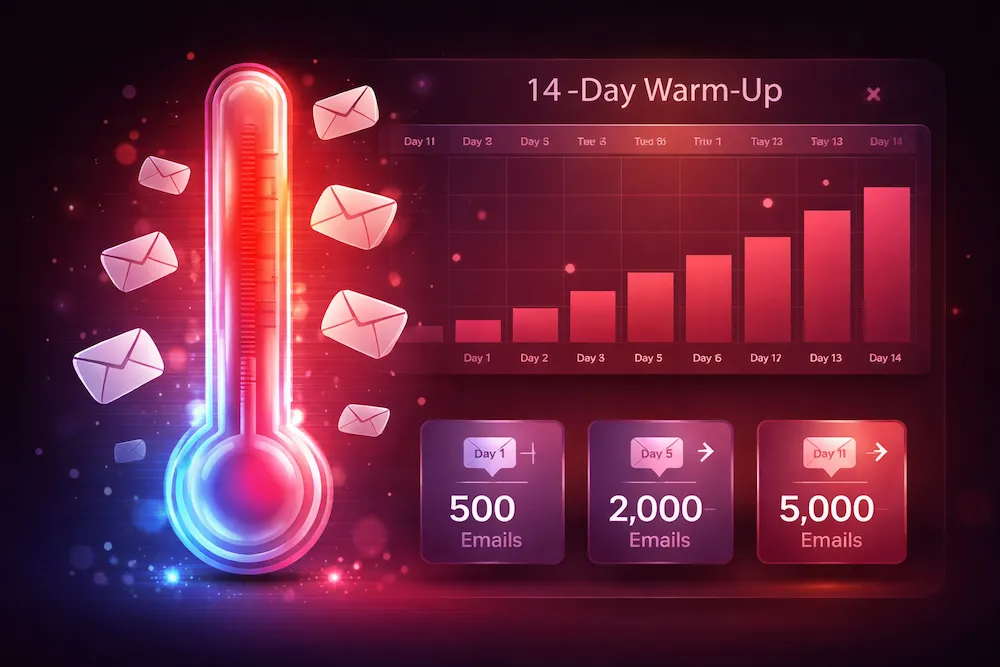
Abaixo esta um cronograma pratico de aquecimento que funciona para a maioria dos remetentes. Isso assume que voce esta comecando do zero de reputacao e quer alcancar um volume alvo de cerca de 50.000 emails por dia. Ajuste o ritmo com base no seu alvo -- se seu objetivo e 10.000/dia, voce pode comprimir o cronograma; se e 200.000+, estenda para 6 semanas.
| Dia | Volume Diario | Fase | Observacoes |
|---|---|---|---|
| 1 | 50 | Base | Envie apenas para seus assinantes mais engajados. Conteudo pessoal e de alto valor. |
| 2 | 100 | Base | Continue com destinatarios altamente engajados. Monitore adiamentos. |
| 3 | 200 | Base | Observe as taxas de rejeicao de perto. Qualquer coisa acima de 2% significa pare e limpe. |
| 4 | 400 | Base | Verifique o Google Postmaster para sinais iniciais de reputacao de dominio. |
| 5 | 700 | Rampa | Comece a expandir alem do segmento mais engajado. Mantenha o engajamento alto. |
| 6 | 1,000 | Rampa | Primeiro marco. Se as metricas estao fortes, continue escalando. |
| 7 | 1,500 | Rampa | Fim da primeira semana. Revise todas as metricas antes de prosseguir. |
| 8-9 | 2,500 | Rampa | Distribua os envios ao longo do dia. Nao dispare tudo de uma vez. |
| 10-11 | 5,000 | Rampa | Se os adiamentos aumentarem, mantenha esse volume por mais um ou dois dias. |
| 12-14 | 10,000 | Escala | Fim da segunda semana. A reputacao do dominio deve mostrar "Medium" ou "High" no Postmaster. |
| 15-18 | 20,000 | Escala | Agora voce pode incluir segmentos mais amplos da lista. Continue monitorando. |
| 19-21 | 35,000 | Escala | Quase no alvo. Fique atento a qualquer aumento repentino nas reclamacoes de spam. |
| 22-28 | 50,000+ | Manutencao | Volume total alcancado. Mantenha o envio consistente a partir daqui. |
Regra critica: se em qualquer momento sua taxa de rejeicao exceder 2%, as reclamacoes de spam excederem 0,1%, ou voce observar um pico repentino nos adiamentos -- pare de escalar e mantenha o volume atual ate que as metricas se estabilizem. Insistir com sinais negativos durante o aquecimento vai prejudicar sua reputacao significativamente.
Aquecimento Manual vs. Automatizado
Existem duas abordagens para executar um aquecimento, e cada uma tem seu lugar:
Aquecimento Manual
Com o aquecimento manual, voce controla todos os aspectos do processo. Voce escolhe quais destinatarios recebem seus emails a cada dia, define o volume e monitora as metricas de entregabilidade diretamente. Isso lhe da controle total e funciona melhor quando:
- Voce tem uma lista limpa e bem segmentada com dados de engajamento conhecidos
- Voce esta aquecendo um IP dedicado para email de marketing ou transacional
- Voce precisa de controle rigoroso sobre conteudo e segmentacao durante o periodo de aquecimento
- Voce quer enviar conteudo real e valioso (newsletters, atualizacoes de produto) durante o aquecimento
A desvantagem e o tempo. O aquecimento manual requer atencao diaria ao agendamento, gerenciamento de volume e monitoramento de metricas por 2 a 4 semanas seguidas.
Aquecimento Automatizado
Ferramentas de aquecimento automatizado cuidam do agendamento e da rampa de volume para voce. Algumas ferramentas tambem geram engajamento simulado enviando emails entre contas em sua rede que automaticamente abrem, respondem e marcam mensagens como "nao e spam". Essa abordagem funciona melhor quando:
- Voce esta aquecendo uma conta para prospecao fria ou vendas outbound
- Voce nao tem uma lista engajada existente para iniciar o aquecimento
- Voce precisa aquecer varias contas ou IPs simultaneamente
- Voce quer um processo automatico que roda em segundo plano
A contrapartida e menos controle e uma dependencia da qualidade da ferramenta. Algumas ferramentas automatizadas usam contas semente de baixa qualidade que podem na verdade prejudicar a reputacao. Se voce optar pela rota automatizada, escolha um provedor confiavel e ainda assim monitore suas metricas de forma independente.
Checklist Pre-Aquecimento: O Que Fazer Antes de Comecar
Antes de enviar seu primeiro email de aquecimento, certifique-se de que sua infraestrutura esta solida. Pular essas etapas e como construir uma casa na areia -- o aquecimento vai falhar independentemente de quao cuidadosamente voce aumente o volume.
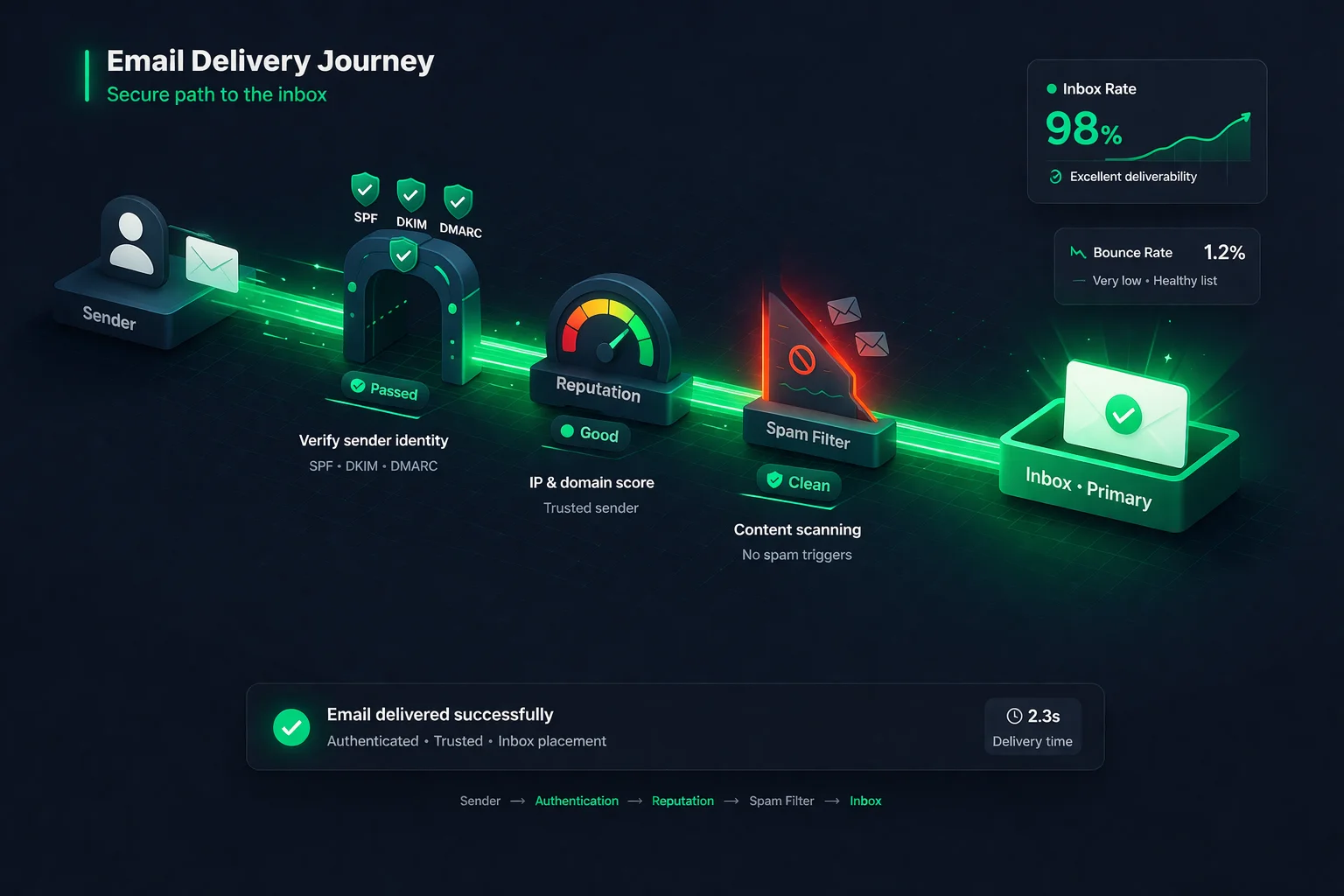
- Configure SPF, DKIM e DMARC -- Todos os tres protocolos de autenticacao devem estar implementados e passando antes do seu primeiro envio. Em 2026, o Gmail e o Yahoo rejeitam emails em massa nao autenticados. Verifique seus registros com uma ferramenta de consulta DNS ou o Kit de Entregabilidade do ClearBounce.
- Configure o DNS reverso (registro PTR) -- Seu IP de envio deve ter um registro PTR que resolva para seu dominio de envio. Registros PTR ausentes ou incompativeis sao um sinal de alerta para filtros de spam.
- Verifique sua lista de emails -- Passe toda a sua lista por uma verificacao de email antes de iniciar o aquecimento. Ate mesmo uma campanha com mais de 5% de taxa de rejeicao durante o aquecimento pode envenenar sua reputacao nascente. Remova enderecos invalidos, descartaveis e baseados em funcoes.
- Segmente por engajamento -- Identifique seus assinantes mais ativos (abriram ou clicaram nos ultimos 30-60 dias). Esses sao sua lista semente de aquecimento. Seus sinais positivos de engajamento vao treinar os ISPs a confiar na sua nova infraestrutura de envio.
- Configure ferramentas de monitoramento -- Registre-se no Google Postmaster Tools, Microsoft SNDS e um servico de monitoramento de blacklists. Voce precisa de visibilidade em tempo real sobre como os ISPs percebem seus envios desde o primeiro dia.
- Prepare seu conteudo -- Emails de aquecimento devem ser conteudo genuinamente util que gere engajamento. Evite templates com muitas imagens, linguagem de vendas agressiva ou rodapes com muitos links durante a fase inicial.
7 Erros Comuns de Aquecimento (E Como Evita-los)
1. Aumentar rapido demais
O erro mais comum, de longe. Remetentes ficam impacientes, saltam de 1.000 para 20.000 em um dia e imediatamente acionam throttling ou blocklisting. Siga o cronograma. Se voce esta atrasado no seu cronograma, e sempre melhor desacelerar do que apressar. Os ISPs tem memoria longa para mau comportamento.
2. Enviar para toda a lista desde o primeiro dia
Sua lista semente de aquecimento deve ser apenas seus assinantes mais engajados. Enviar para toda a sua lista -- incluindo contatos inativos, nao verificados e frios -- durante o aquecimento garante altas taxas de rejeicao, baixo engajamento e uma reputacao que comeca no fundo do poco. Segmente sua lista e conquiste o direito de enviar para audiencias mais amplas ao longo do tempo.
3. Nao verificar a lista antes do aquecimento
Se sua lista contem 8% de enderecos invalidos, voce tera uma taxa de hard bounce de 8% no seu primeiro envio. Essa unica campanha pode destruir o progresso do seu aquecimento. Sempre verifique sua lista antes de iniciar o aquecimento. Isso e inegociavel.
4. Ignorar adiamentos e throttling
Adiamentos (respostas SMTP 4xx) sao os ISPs dizendo para voce desacelerar. Muitos remetentes veem adiamentos e continuam insistindo. Essa e a resposta errada. Quando voce observar adiamentos aumentando, mantenha seu volume estavel ou reduza-o. Deixe o ISP acompanhar e construir confianca no ritmo que ele se sente confortavel.
5. Pular a configuracao de autenticacao
Enviar sem registros adequados de SPF, DKIM e DMARC durante o aquecimento e um caminho garantido para o spam. Falhas de autenticacao durante a fase critica de construcao de reputacao sao especialmente prejudiciais porque nao ha historico positivo para compensa-las. Verifique tres vezes seu DNS antes do primeiro email sair.
6. Padroes de envio inconsistentes
O aquecimento requer consistencia. Enviar 2.000 emails na segunda, nada na terca e 5.000 na quarta parece erratico para os ISPs. Envie todos os dias aproximadamente no mesmo horario e no volume planejado. Se voce precisar pular um dia, nao tente "compensar" o volume no dia seguinte.
7. Parar o aquecimento cedo demais
Alguns remetentes chegam a 10.000/dia, veem uma colocacao decente na caixa de entrada e imediatamente saltam para 100.000. Sua reputacao a 10.000/dia nao garante reputacao a 100.000/dia. Continue a rampa gradual ate alcancar seu volume diario alvo e mante-lo por pelo menos alguns dias com metricas fortes.
O Que Monitorar Durante o Aquecimento
O aquecimento nao e um processo "configurar e esquecer". Voce precisa acompanhar ativamente essas metricas todos os dias:
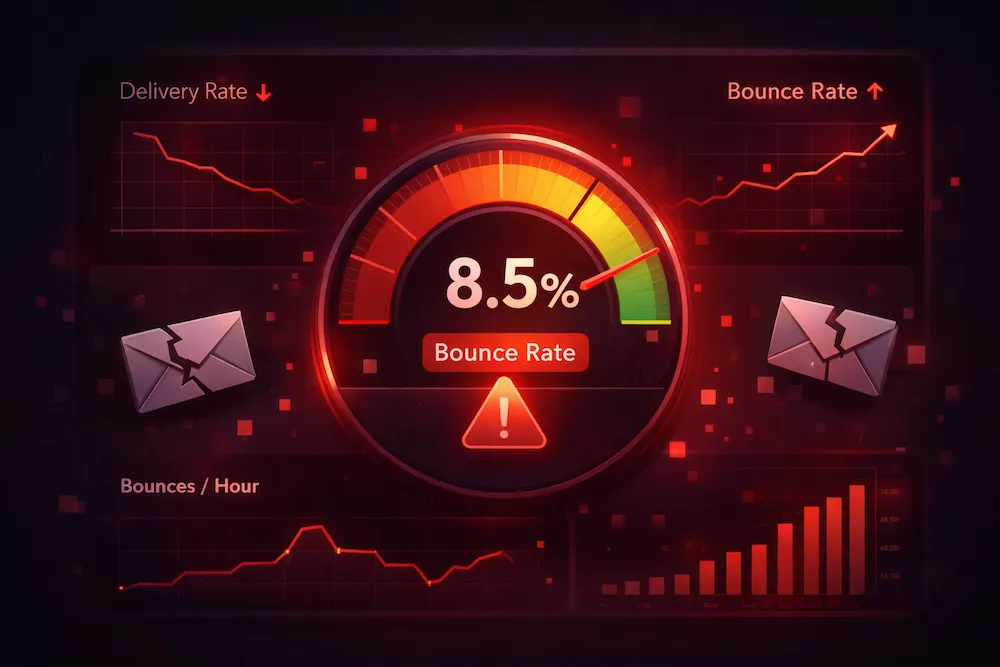
Hard bounces acima de 2% sinalizam uma lista suja. Pare, limpe sua lista e retome. Durante o aquecimento, ate 1% deve ser investigado. Cada rejeicao e amplificada quando seu volume total e pequeno.
Se os destinatarios estao marcando seus emails de aquecimento como spam, algo esta errado com seu conteudo, segmentacao ou processo de opt-in. Investigue imediatamente. O limite rigido do Gmail e 0,3%, mas voce deve mirar bem abaixo disso.
Altas taxas de abertura durante o aquecimento dizem aos ISPs que os destinatarios querem seu email. Durante a fase de base, voce deve ver 30-50%+ ja que esta enviando para seus contatos mais engajados. Se as aberturas estao baixas, seus emails provavelmente estao indo para o spam.
Respostas SMTP 4xx significam que o ISP esta pedindo para voce desacelerar. Um pequeno numero de adiamentos e normal no inicio. Um aumento repentino significa que voce esta aumentando rapido demais. Mantenha ou reduza o volume ate que os adiamentos voltem ao normal.
O Google Postmaster Tools mostra a reputacao do seu dominio como High, Medium, Low ou Bad. Durante o aquecimento, voce quer ver isso subir de "sem dados" para "Medium" e eventualmente "High". Se cair para "Low", pause e diagnostique.
Ser listado no Spamhaus, Barracuda ou outras blocklists durante o aquecimento e uma falha critica. Use o Kit de Entregabilidade do ClearBounce ou MXToolbox para verificacoes diarias. Se listado, pare de enviar imediatamente e solicite a remocao da lista.
2-4 wk
duracao tipica de aquecimento para a maioria dos remetentes
< 2%
taxa maxima de rejeicao durante o aquecimento para ficar seguro
30%+
taxa de abertura a almejar durante a fase de base
Quando o Aquecimento Esta Completo?
O aquecimento esta concluido quando voce atende a todos os seguintes criterios:
- Voce alcancou seu volume diario alvo e o manteve por pelo menos 3-5 dias consecutivos com metricas estaveis.
- O Google Postmaster mostra reputacao de dominio "High" -- ou no minimo "Medium" com uma clara tendencia de alta.
- A taxa de rejeicao esta consistentemente abaixo de 2% e as reclamacoes de spam estao bem abaixo de 0,1%.
- Voce nao esta vendo adiamentos anormais. Alguns ISPs sempre vao adiar uma pequena porcentagem, mas voce nao deve ver tendencias crescentes de adiamento.
- A colocacao na caixa de entrada esta forte em todos os provedores. Envie emails de teste para contas semente no Gmail, Outlook e Yahoo para verificar que voce esta chegando na caixa de entrada, nao no spam.
Mesmo apos o aquecimento estar completo, sua reputacao nunca e "permanente". Ela requer manutencao continua. Uma unica campanha para uma lista suja pode desfazer semanas de aquecimento cuidadoso. Os habitos que voce constroi durante o aquecimento -- verificacao de lista, monitoramento de engajamento, volume consistente -- devem se tornar partes permanentes das suas operacoes de email.
Aquecimento para Diferentes Cenarios
Novo IP dedicado (dominio existente)
Seu dominio ja tem reputacao, entao o aquecimento e principalmente para o IP. Voce pode aumentar mais rapido do que um remetente completamente novo -- tipicamente alcancando volume total em 2 semanas. O ponto chave e garantir que seu registro SPF inclua o novo IP e que o DKIM esteja assinando corretamente a partir da nova infraestrutura. Envie para seu segmento mais engajado primeiro, depois expanda.
Novo dominio (IP existente ou IP compartilhado)
Isso requer mais paciencia. A reputacao de dominio comeca do zero, e o Gmail pesa muito a reputacao de dominio. Siga o cronograma completo de 3-4 semanas. Use um subdominio (ex.: mail.suamarca.com ou news.suamarca.com) se seu dominio principal ja tem reputacao e voce quer isolar fluxos de envio.
Migracao de ESP
Migrar para um novo ESP geralmente significa novos IPs, nova infraestrutura e potencialmente novos registros de autenticacao. Trate como um aquecimento completo mesmo que seu dominio tenha uma reputacao forte. Trabalhe com a equipe de entregabilidade do seu novo ESP -- a maioria dos bons ESPs tem orientacoes de aquecimento especificas para sua infraestrutura.
Reaquecimento apos inatividade
Se voce nao enviou de um IP ou dominio por mais de 30 dias, sua reputacao diminuiu. Voce nao precisa comecar do zero, mas deve aumentar gradualmente ao longo de 1-2 semanas em vez de pular direto para o volume total. Limpe sua lista primeiro -- enderecos que eram validos ha um mes podem nao ser mais agora.
Os remetentes que tem sucesso no aquecimento sao aqueles que o tratam como um investimento, nao como um inconveniente. Duas a quatro semanas de rampa disciplinada evitam meses de reparo de reputacao no futuro.
Checklist de Aquecimento de Email
Use este checklist para garantir que voce nao esqueceu nada:
| Etapa | Quando | Status |
|---|---|---|
| Configurar SPF, DKIM, DMARC | Antes do aquecimento | Obrigatorio |
| Configurar PTR / DNS reverso | Antes do aquecimento | Obrigatorio |
| Verificar sua lista de emails | Antes do aquecimento | Obrigatorio |
| Segmentar por engajamento | Antes do aquecimento | Recomendado |
| Registrar no Google Postmaster Tools | Antes do aquecimento | Recomendado |
| Comecar com 50-100 emails/dia | Dia 1 | Base |
| Monitorar rejeicoes, reclamacoes e aberturas diariamente | Todo dia | Obrigatorio |
| Aumentar volume ~50-100% a cada 1-2 dias | Continuo | Rampa |
| Verificar blacklists diariamente | Todo dia | Recomendado |
| Manter/reduzir se as metricas piorarem | Conforme necessario | Obrigatorio |
| Alcancar volume alvo com metricas estaveis | Semana 2-4 | Meta |
Conclusão
O aquecimento de email nao e opcional -- e a diferenca entre chegar na caixa de entrada e cair no spam. Cada novo endereco IP, dominio e infraestrutura de envio precisa de um periodo de rampa cuidadoso para construir a confianca que os provedores de caixa de correio exigem antes de conceder acesso total a caixa de entrada.
O processo e direto: comece pequeno, envie para seus melhores contatos, monitore suas metricas religiosamente e escale gradualmente. A maioria dos remetentes pode alcancar volume total em 2-4 semanas. Os remetentes que falham no aquecimento sao quase sempre aqueles que tentaram pula-lo ou apressa-lo.
Mas o aquecimento sozinho nao e suficiente. Mesmo um IP perfeitamente aquecido vera sua reputacao desabar se voce enviar para uma lista cheia de enderecos invalidos, spam traps e contas inativas. A base de qualquer aquecimento bem-sucedido -- e de qualquer programa de email bem-sucedido -- e uma lista limpa e verificada.
Verifique sua lista antes de aquecer.
Uma lista limpa e o insumo mais importante para um aquecimento bem-sucedido. O ClearBounce remove enderecos invalidos, descartaveis e arriscados antes que eles gerem as rejeicoes e reclamacoes que sabotam seu processo de construcao de reputacao.
100 créditos grátis. Sem cartão de crédito.
Verifique Sua Lista Grátis